
Can a measurement on a jobsite photo still be used later?
- Photo Documentation
- Data Entry
- Punch List
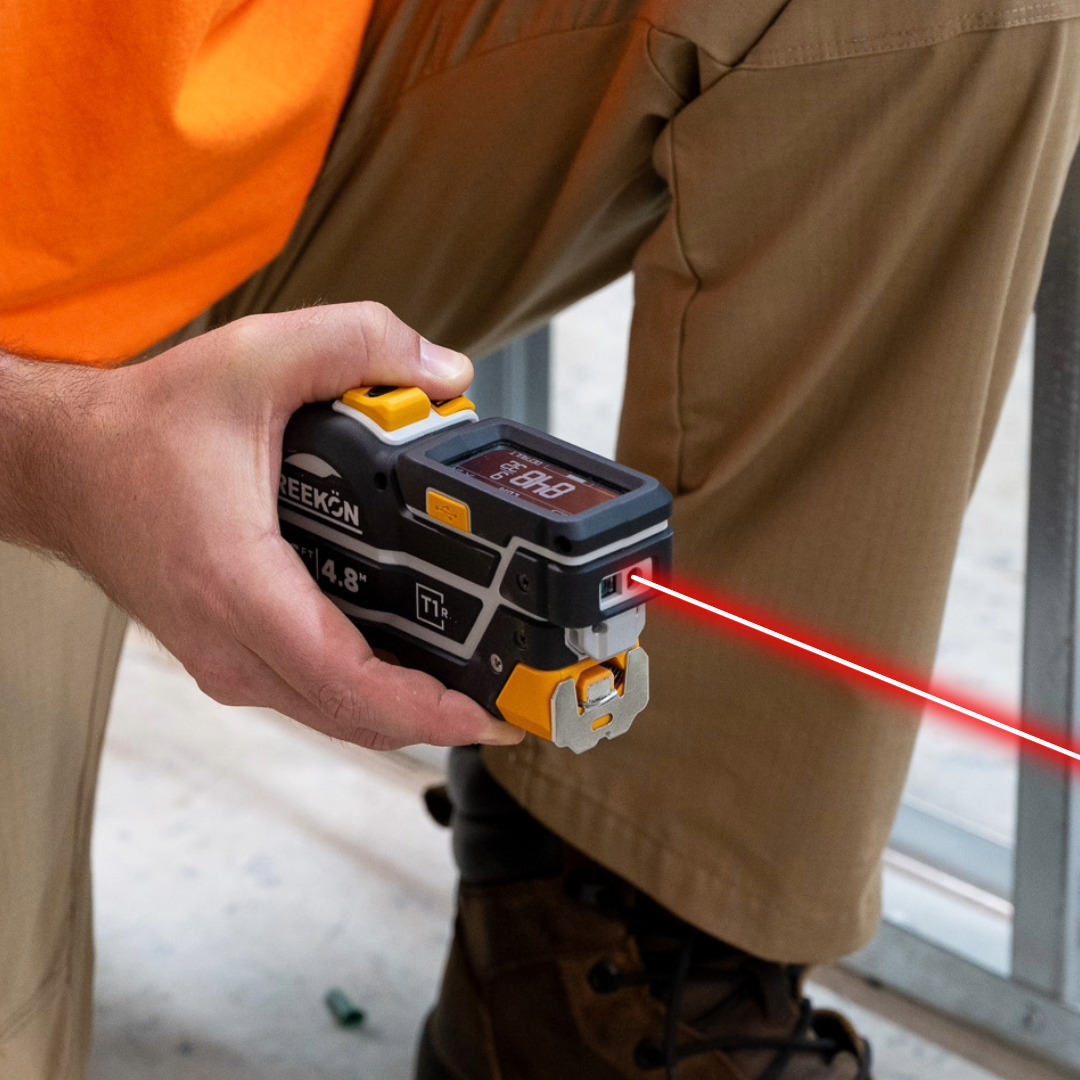
Marking up a photo in a phone's own editor flattens the number into pixels: it is readable, but it cannot be added, converted or sent anywhere. Measurements from the T1 Tomahawk arrive in the app over Bluetooth and stay live on the photo, so a figure annotated over a wall can be dropped into the calculator or reused elsewhere without being retyped. The photo becomes a record you can work from rather than one you can only look at.
What a live annotation gives you
- Phone editors flatten the number into pixels
- T1 readings arrive over Bluetooth
- Shapes, colours and lines on the photo
- Reuse the T1 figure in the calculator
- Nothing retyped and nothing remembered
Photo annotation is walked through on screen, with measurements placed over jobsite photos alongside shapes, coloured lines and labels including back wall pipes and sink centre. The readings arrive from the tape over Bluetooth rather than being typed in. Saved figures are then shown being used in the app's calculator and other functions without being re-entered.
proven favorites
Best Selling Tools
SHOP ALL
BOLDR PRO SOFTWARE
Practical Tools For Every Part Of The Job
Capture measurements with REEKON tools, then use them where the work happens.
100,000+ Customers
Get Started Today
Get more done and reduce errors immediately with REEKON digital measuring tools. Try today risk-free for 30 days and see for yourself.
Reduce Costly Errors
Standardize Workflows
Enter Into Any Software
SHOP NOW