
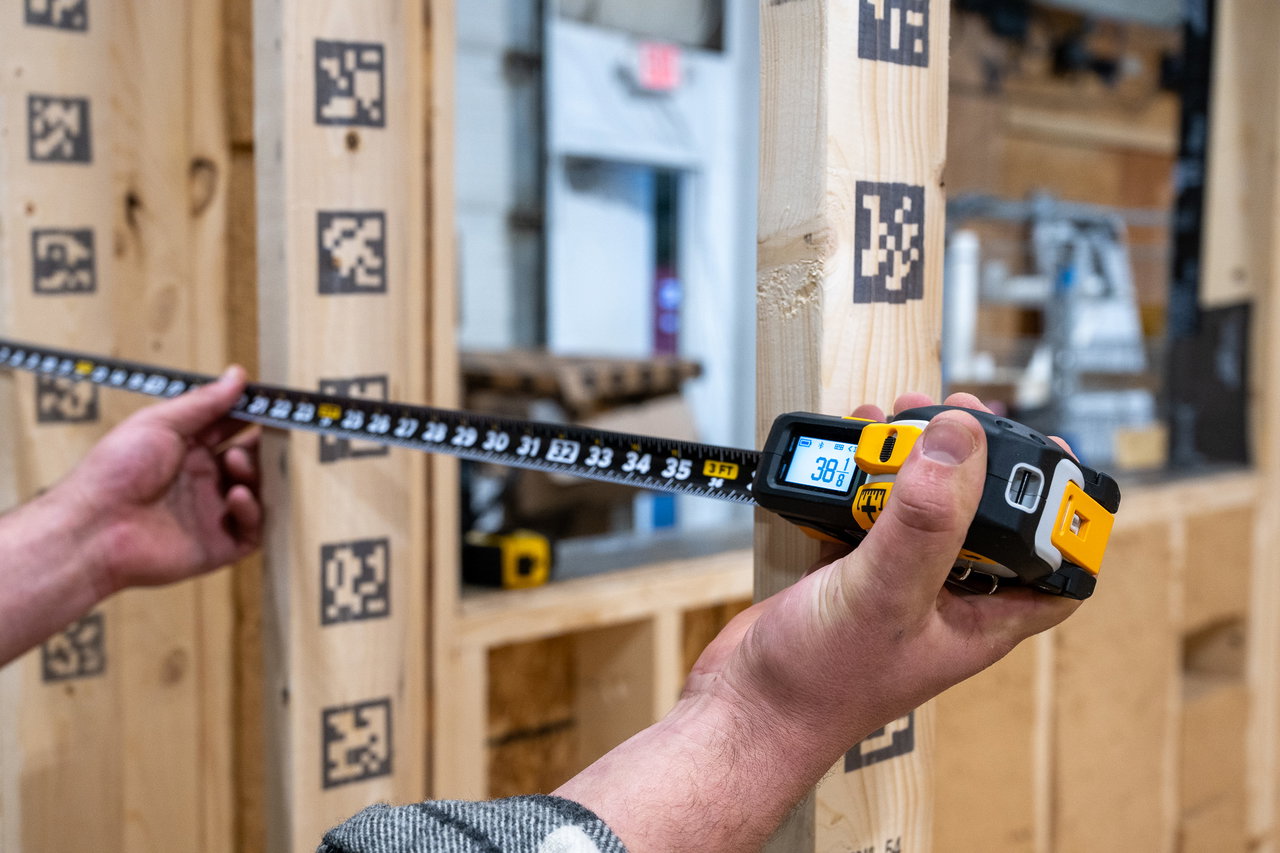
WELCOME
GETTING STARTED WITH YOUR T1M
Learn more about your new T1M Utility and put it to work on your next project.
STEP 1
Get To Know The T1M Utility
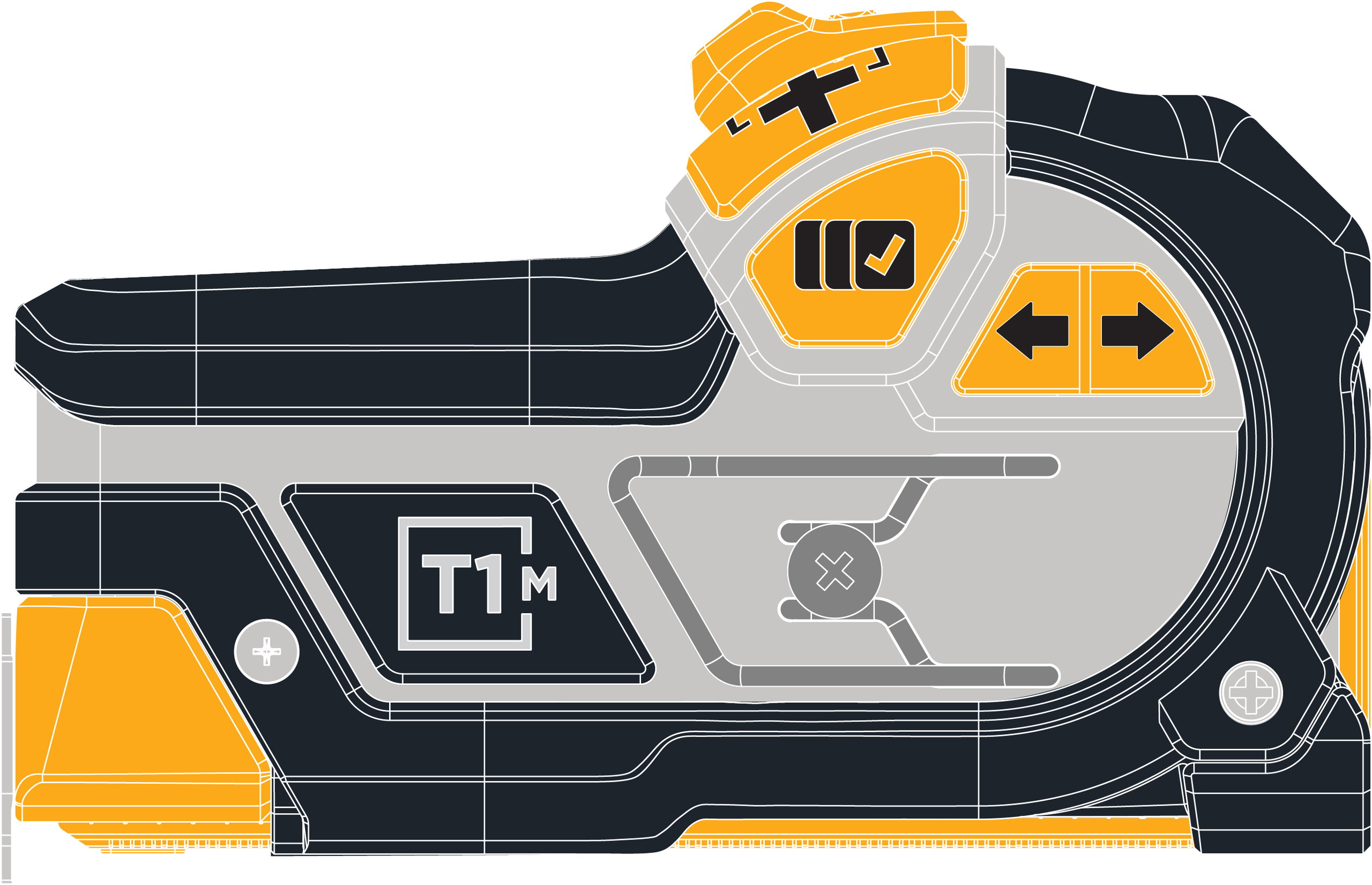
Learn the buttons, displays, and key components of your REEKON tool, so you get the most out of every measurement.
Register For Your Warranty
Make sure you protect your new tool. Fill out a form to register your REEKON Product's 1 Year Warranty.
CAPTURE & EXIT
Saves measurement to the saved measurements list and the BOLDR Pro App (if connected).
Pressing this in the menu will always bring you to the live view display.

QUICK ACTIONS MENU & CONFIRM
Select from various measuring functions and additional settings.
Pressing this in the menu will to enter options as well as confirm them.

CURSOR UP/DOWN & SAVED MEASUREMENT LIST
After selecting the Quick Actions menu, use the arrow to move the cursor up and down.
When in Live View display, use either arrow to enter saved measurements list.
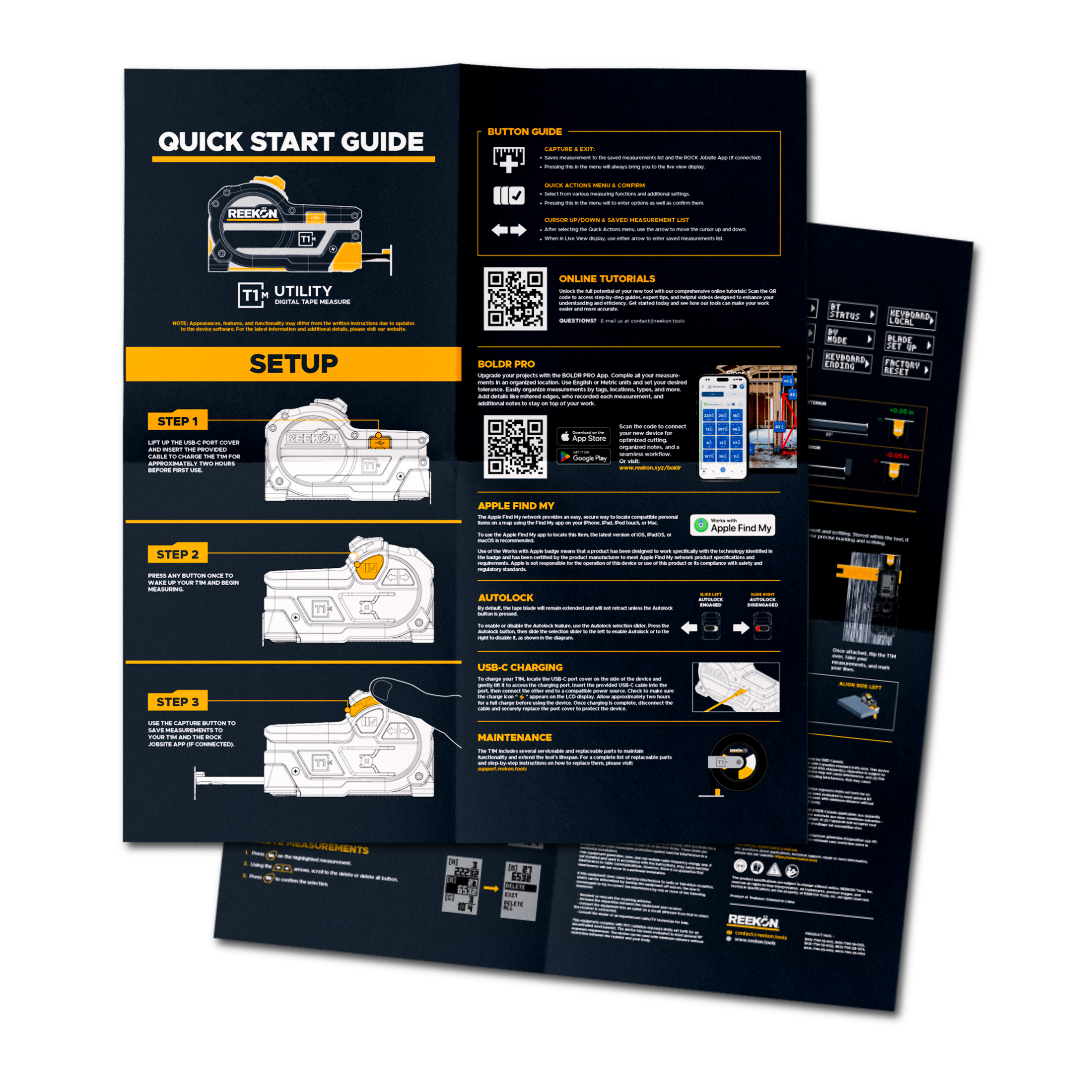
View Quick Start Guide For More Details
Learn the basics, explore key features, and get up to speed quickly with the official guide.

STEP 2
Download The Free App
Download BOLDR Pro to update your devices firmware and register your new T1 Tomahawk (Note - BOLDR is not required but provides many additional features).
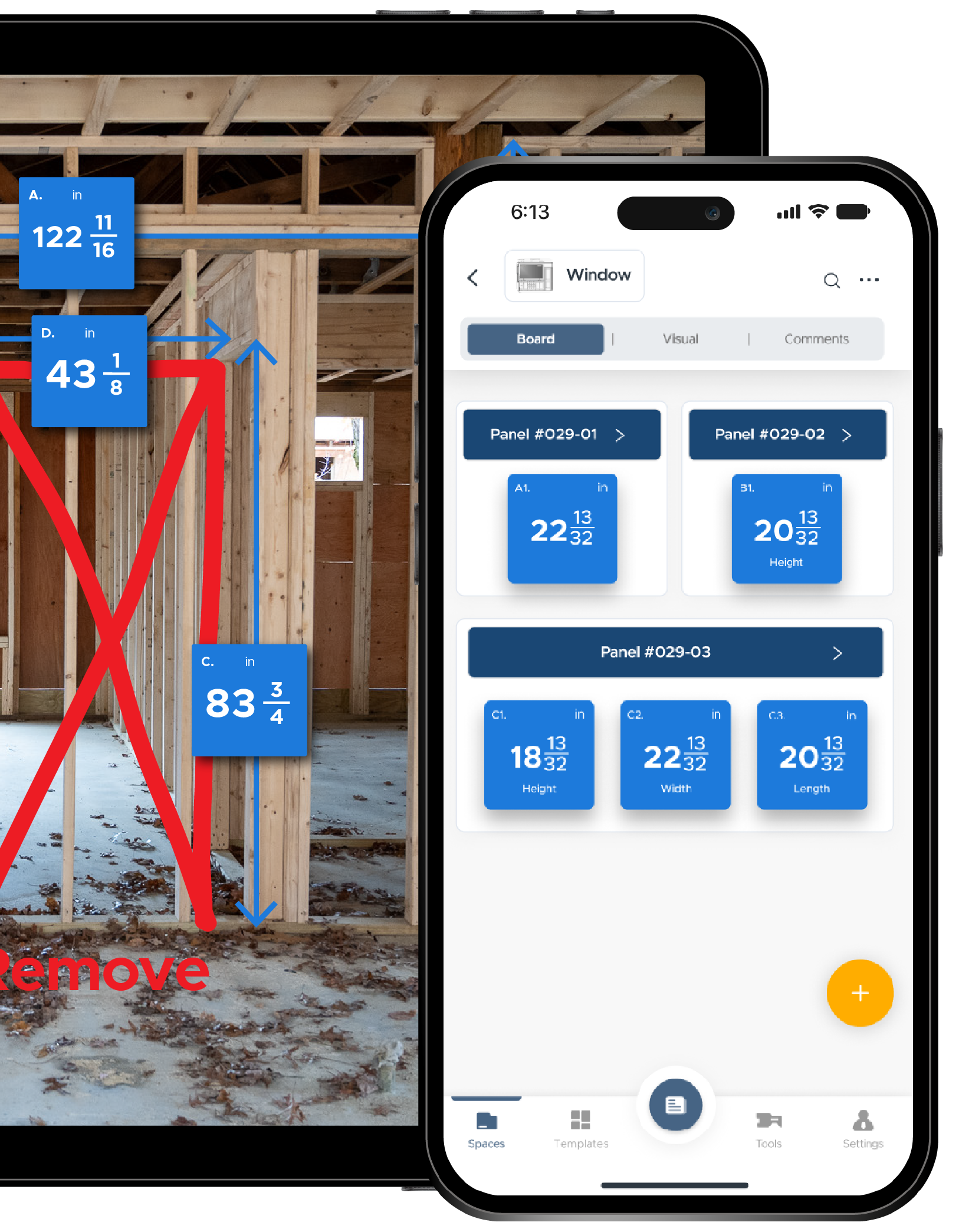
BOLDR Pro Mobile App
Capture measurements, notes, and photos instantly in the field.
Follow company templates so every task is done the right way
Sync all your job updates back to the office in real time.


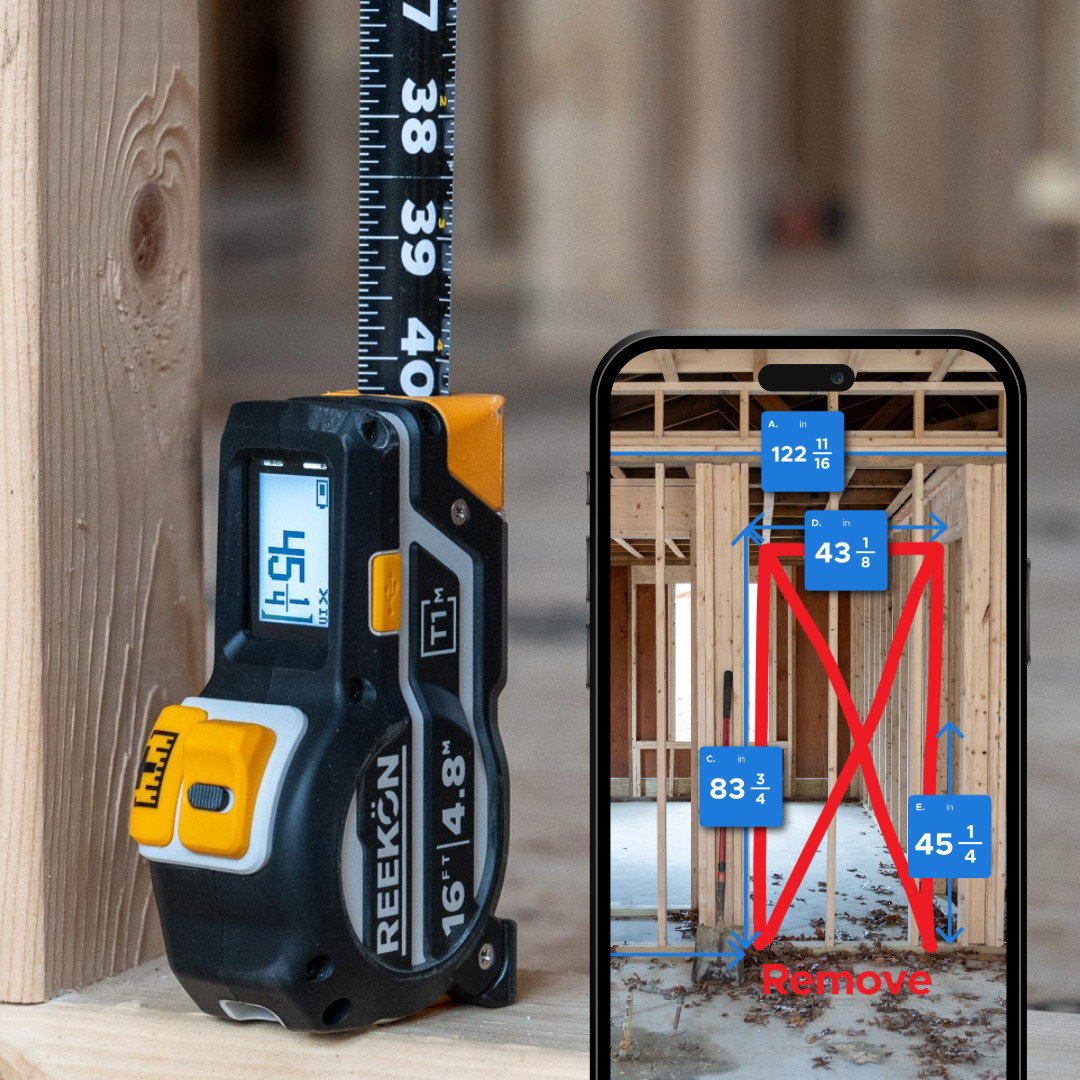
Powerful Upgrade to Your T1M Tape Measure
Send measurements directly into notes, spreadsheets, PDFs, estimating software, forms, and thousands of other applications without manual typing
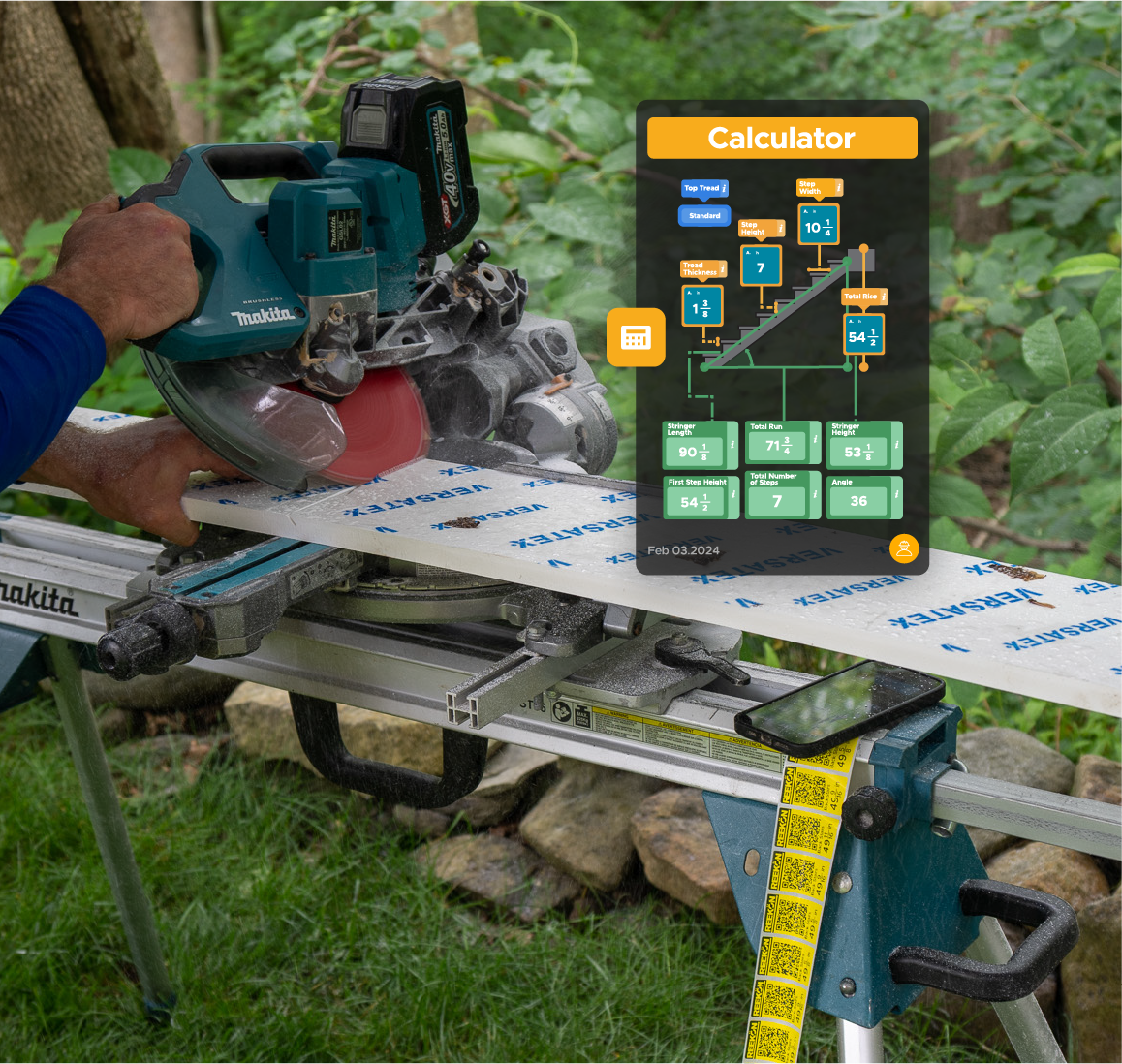
Built-In Jobsite Calculators
Use measurements instantly in calculators for stairs, spacing, area, volume, layouts, and more without switching tools.
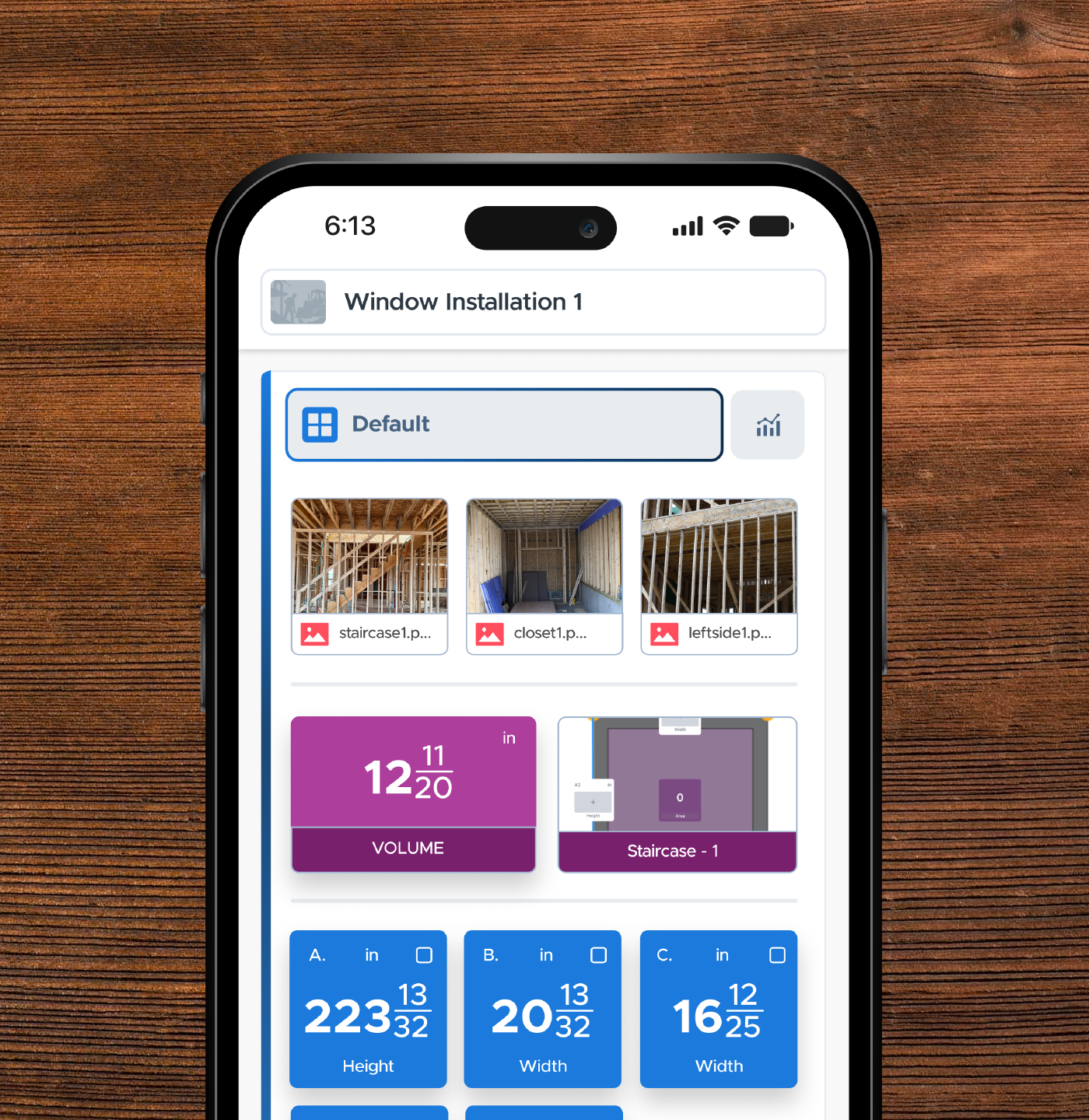
Organized Measurement Lists
Keep measurements grouped by room, project, opening, or task so they're easy to find when you need them later.
Share Measurements Instantly
Send dimensions to teammates, clients, fabricators, or the office without handwritten notes, screenshots, or phone calls.
STEP 3
First Things To Try
The best way to learn is by using it. Connect your tape to your iPhone, send measurements directly into BOLDR, annotate photos with dimensions, and explore measurement modifications.
T1M Utility Applications

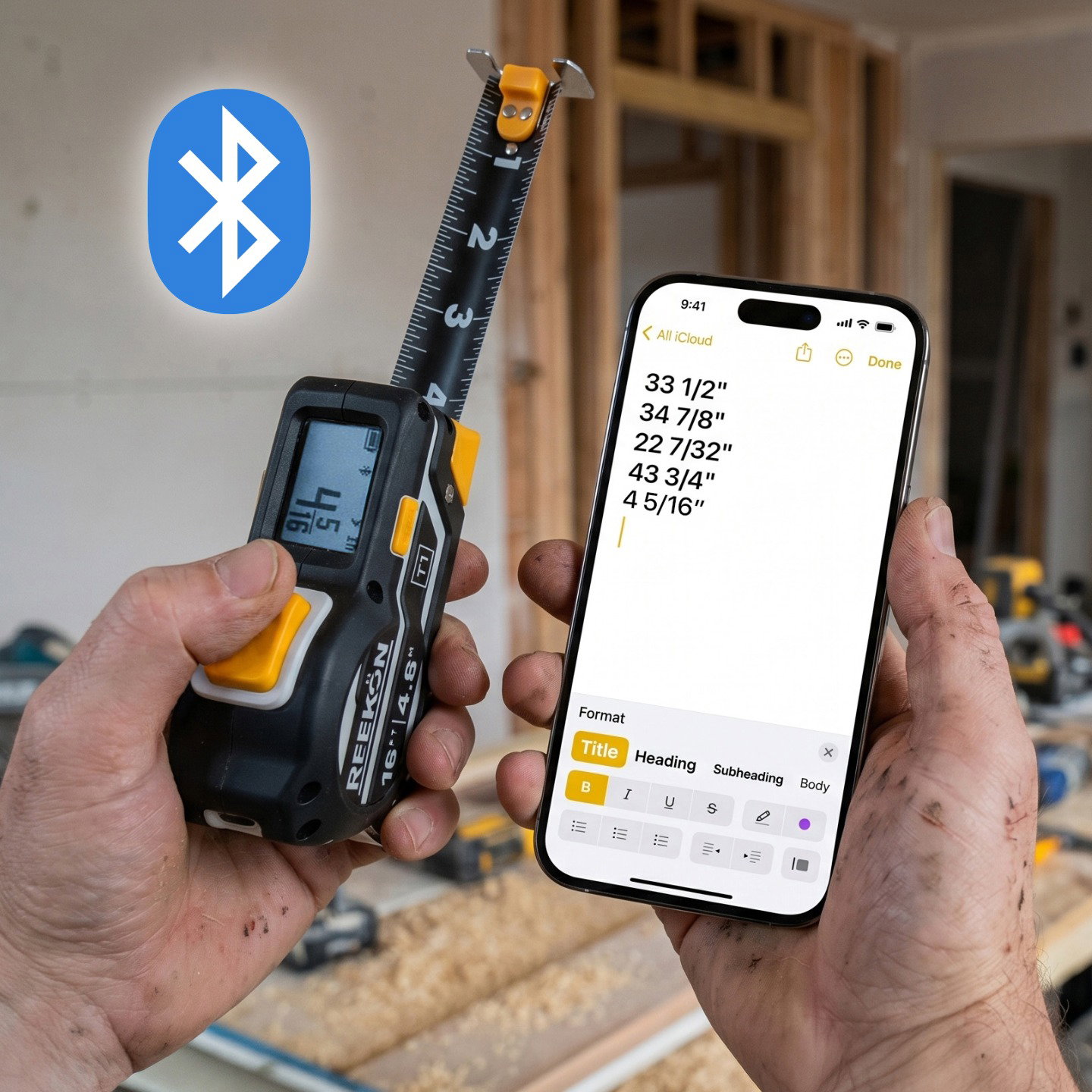
Keyboard emulation with the T1M Utility over Bluetooth
Share measurements instantly to the Notes app on your phone (or any text field anywhere on your phone) without typing.
Measure On the Roof and Share Measurements Across the Job Site
Taking and shouting measurements one at a time is the fastest way to lose money and waste material.
Sharing Trim/Baseboard Measurements Using BOLDR Pro
Stop wasting time walking back and forth to your miter saw to cut trim, molding, or baseboard.
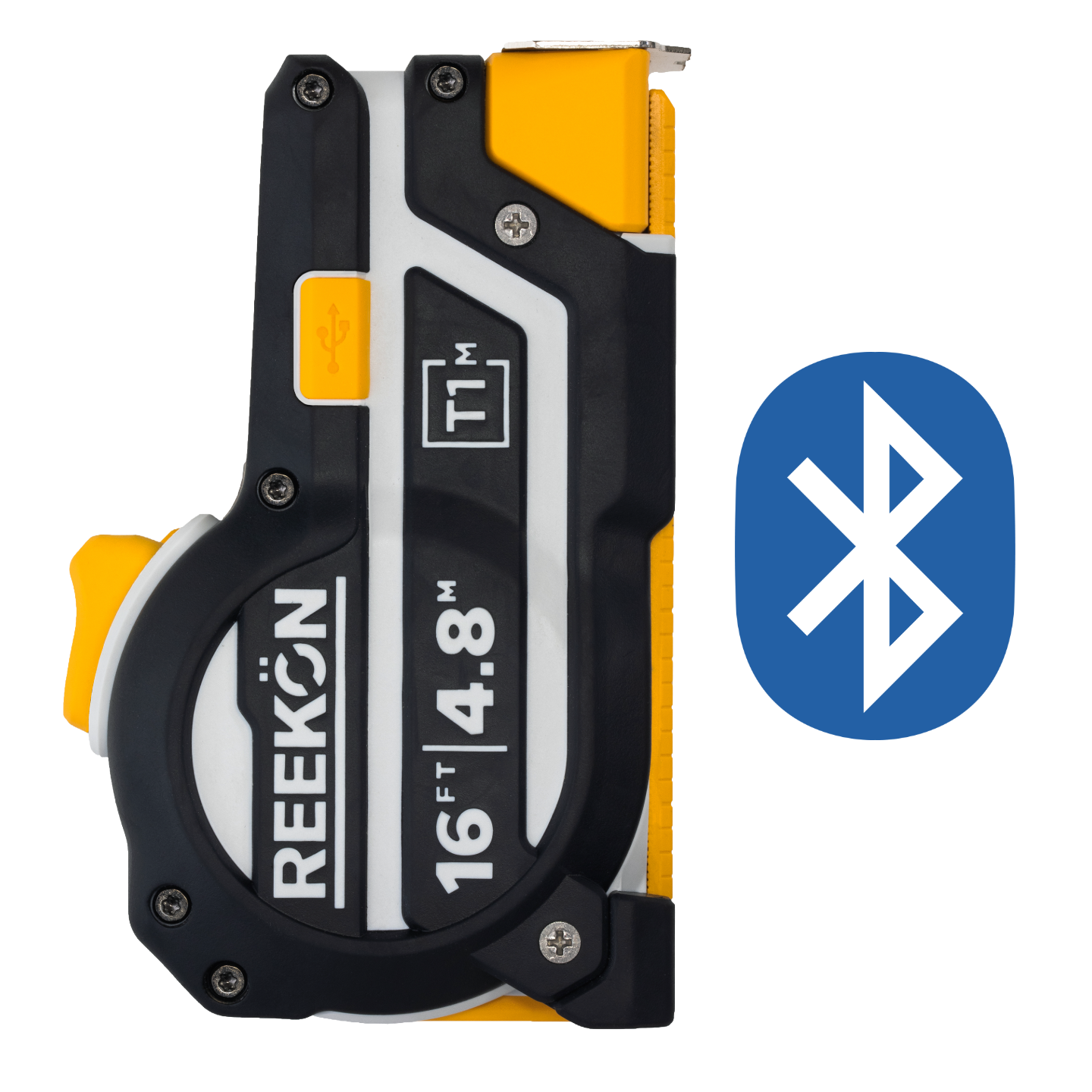
Connect Tape To Phone In Seconds
Instantly share any measurement with any text field on your phone, tablet, or computer with keyboard entry mode.
SEE HOW

STEP 4
Service & Repair
Keep your tool performing like new. Learn how to replace blades, install replacement components, update firmware, and maintain your REEKON tool for years of reliable use.
Setup Guides
Step-by-step instructions for every tool
Video Tutorials
Watch how-to videos for quick setup
Advanced Functions
Get the most out of REEKON Tools
Help & Support
Diagnose and fix common issues fast
VISIT SUPPORT CENTER
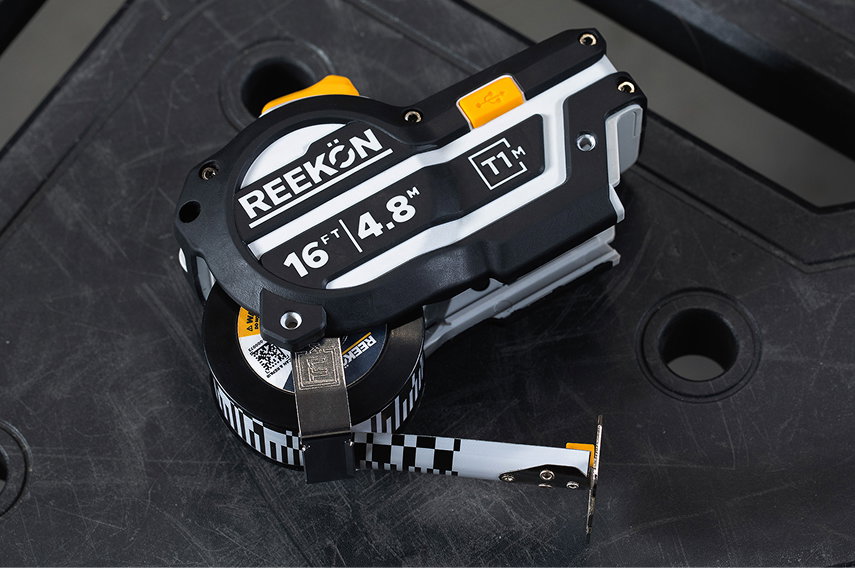
Replace A Damaged Blade
A damaged blade doesn't mean replacing your entire tape measure. Swap in a new blade in minutes without buying a new tool.
LEARN MORE
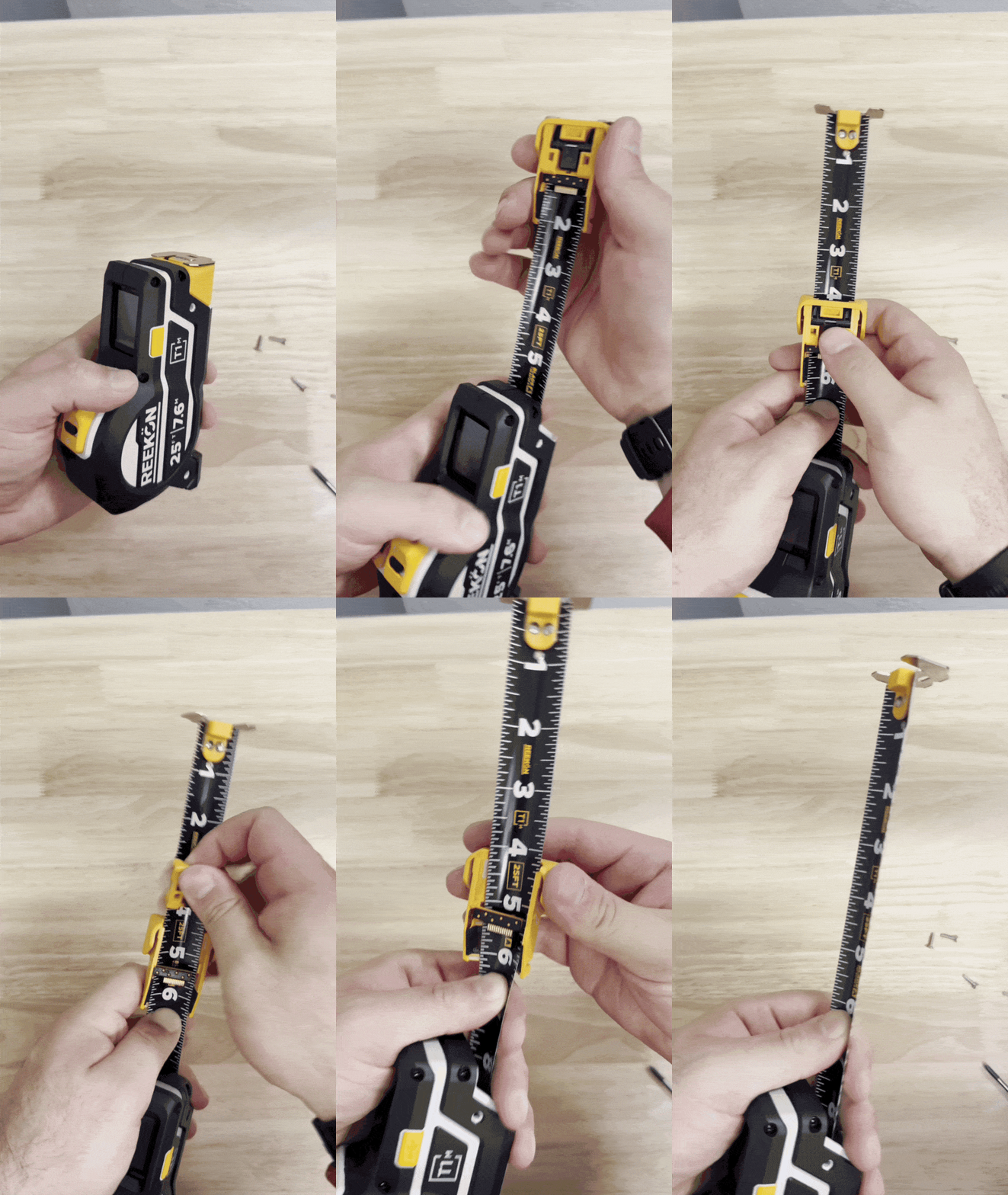
Replacing A Reader Module
If your reader module becomes damaged, worn, or stops performing as expected, replacing it takes just a few minutes.
LEARN MORE
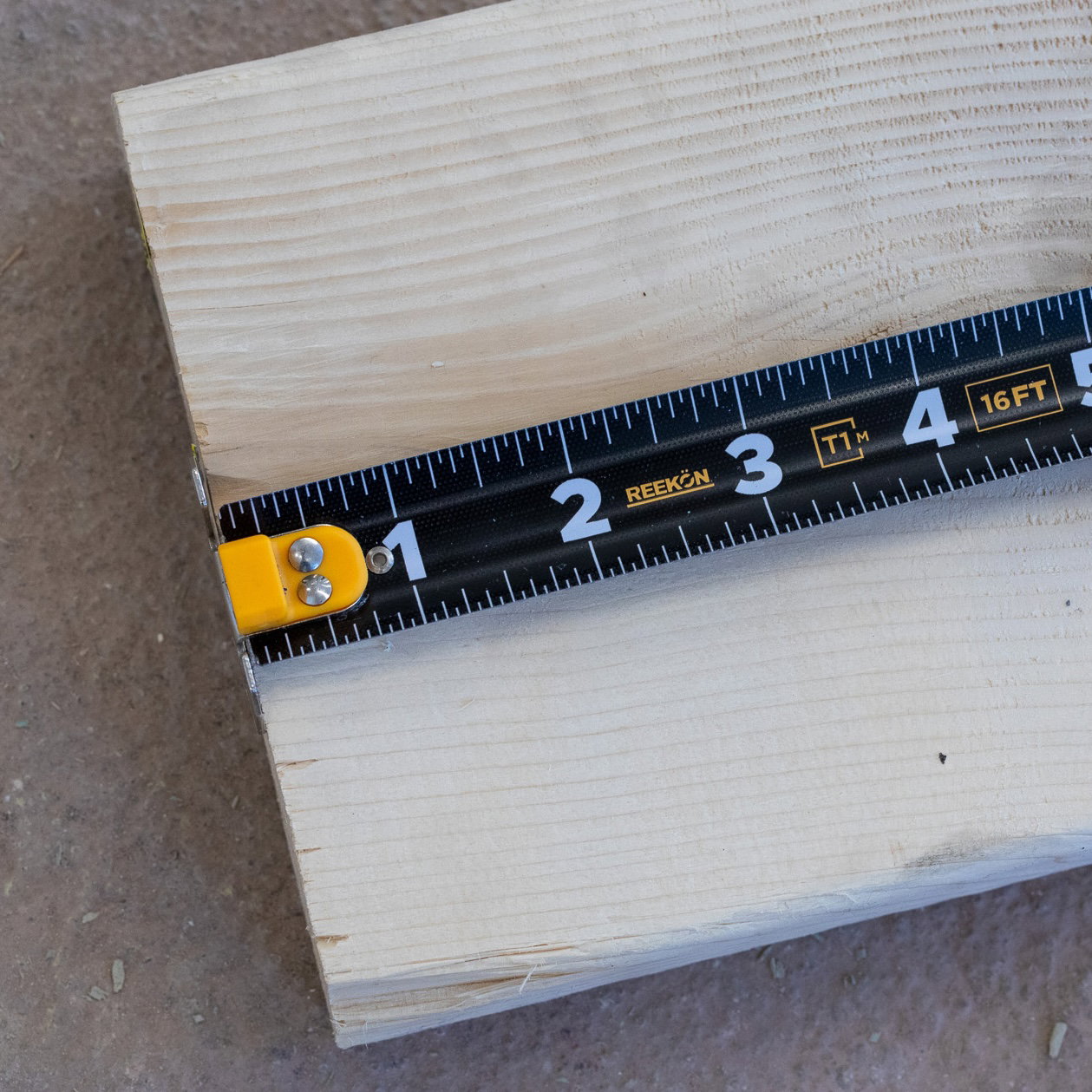
Setup A New Blade (Calibration)
The Blade Setup process ensures that the markings on the tape measure blade perfectly match the digital screen display.
LEARN MORE
T1M Frequently Asked Questions
A digital tape measure allows hundreds of measurements to be saved, shared over bluetooth, and integrate math functions directly on the LCD screen.
The T1M Battery lasts more than 100 hours of continual use, several weeks of job day use, and several months of occasional use.
The T1M Utility is accurate beyond 1/32" (0.5mm)
The T1M comes in both 16 ft (4.8m) and 25 ft (7.6m) configurations.
Yes, the T1M can connect and share measurements over Bluetooth to the ROCK Jobsite App or almost any other connected device via keyboard emulation.
Yes the T1M can display all english and metric units along with the blades coming in english, metric, or split units.
SUPPORT
Still Need Help? Reach Out!
Everything you need to get the most out of your REEKON tools.
VISIT SUPPORT CENTER
Still have questions? Our team is here to help.
Contact Us
