

GETTING STARTED
Get Started With BOLDR Pro
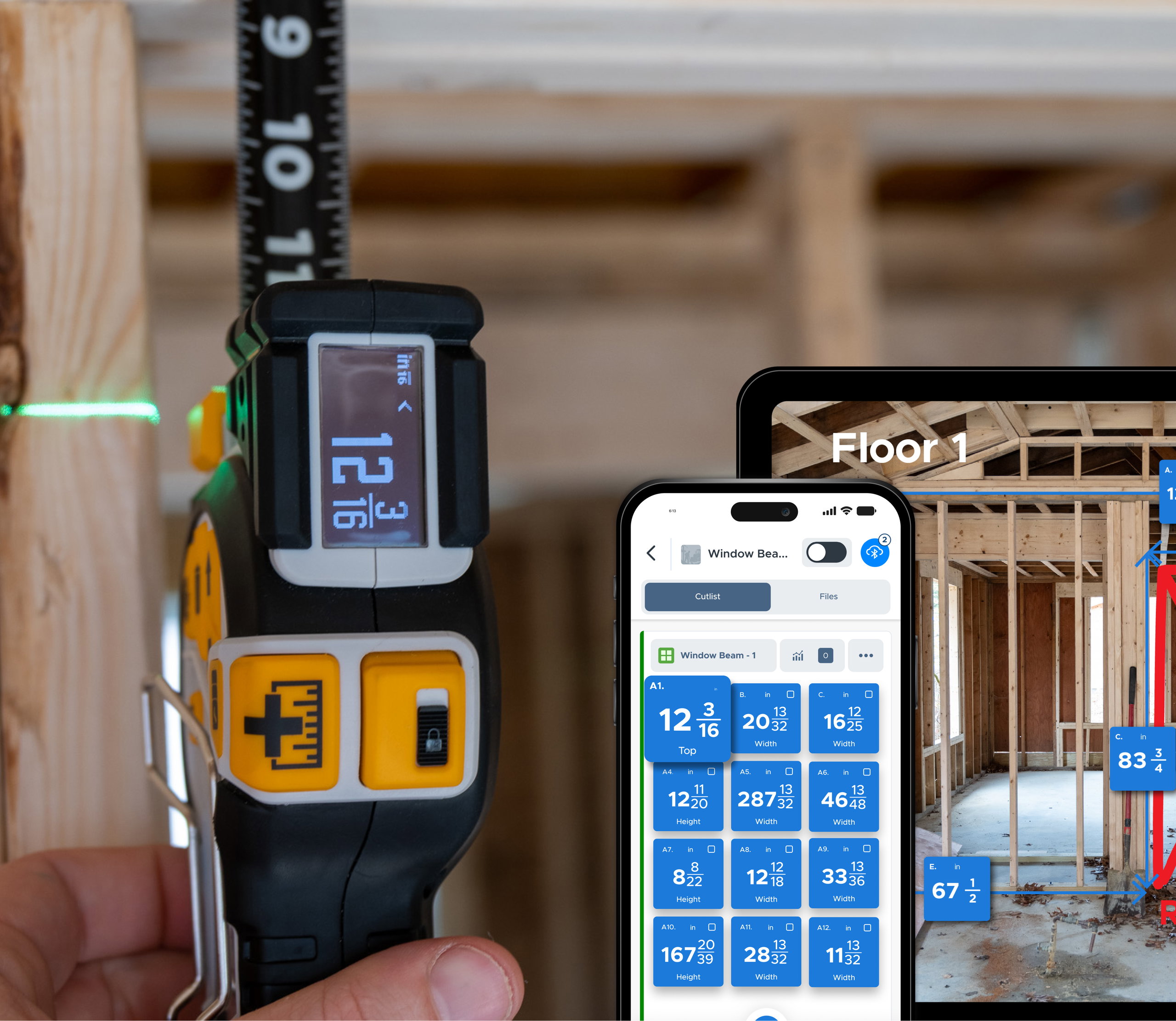
Capture measurements with one click, mark up photos and plans, fill out forms, and sync it all to the office in real time.
About 15 minutes to get up and running.
STEP 1
Everything You Need To Know, In One Video.
From making an account to sharing your first measurements, this video cover the entire process of getting started using the BOLDR App.

STEP 2
Connect Your REEKON Tool
Connect your Bluetooth enabled REEKON Product to the BOLDR App in less than 10 seconds to start sharing measurements, printing labels, and more.
STEP 3
First Things To Try
A few quick wins to get comfortable in BOLDR Pro.
EXPLORE THE APP
Check Out The Demo Project
Every new account comes with a demo project already loaded with sample measurements, photos, and forms.
Open it to see what a real, in-progress job looks like in BOLDR Pro. Nothing you do here touches real work, so click everything.
Try this: open the measurement list and watch items check off one by one, then open a marked-up photo to see dimensions drawn right on the image.
OPEN THE DEMO PROJECT
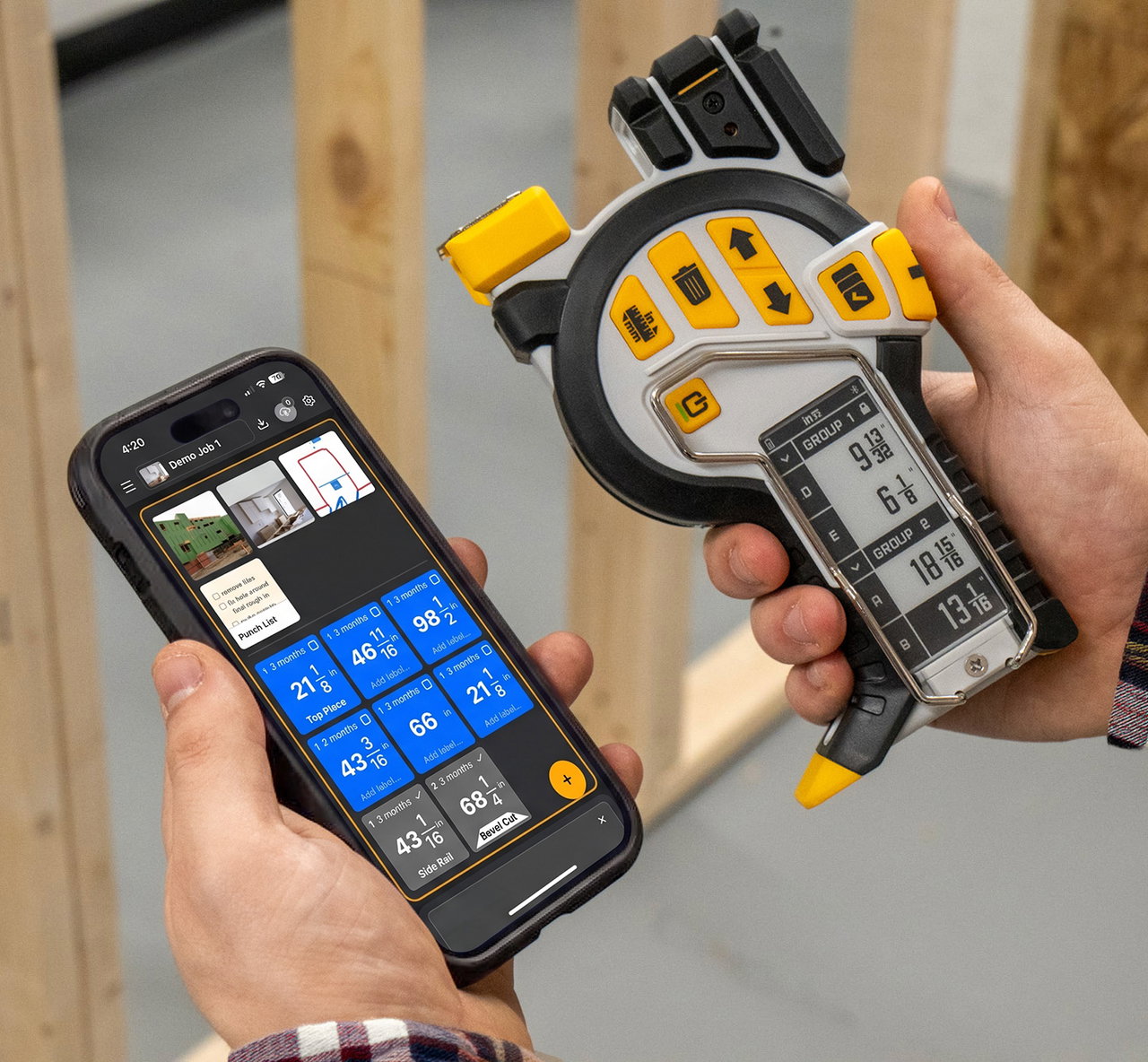
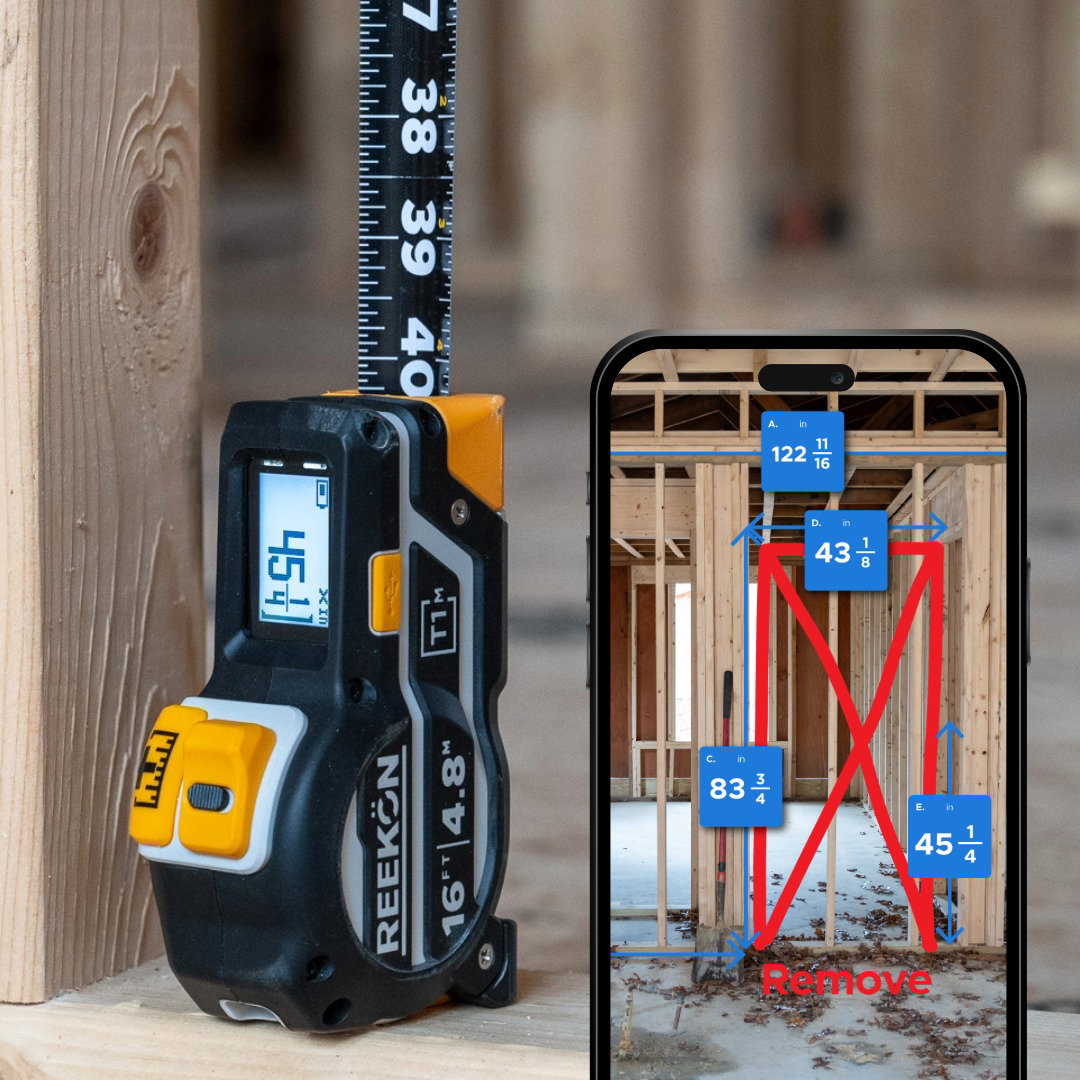
PHOTO ANNOTATION
Drop Measurements Directly On Your Photos
Take a photo, add dimensions and notes, and create a visual record that is easy to understand back at the shop or share with someone off-site.
Where to use:
Window and door openings
Wall and ceiling dimensions
Plumbing and electrical locations
Installation details
CAPTURE IT RIGHT
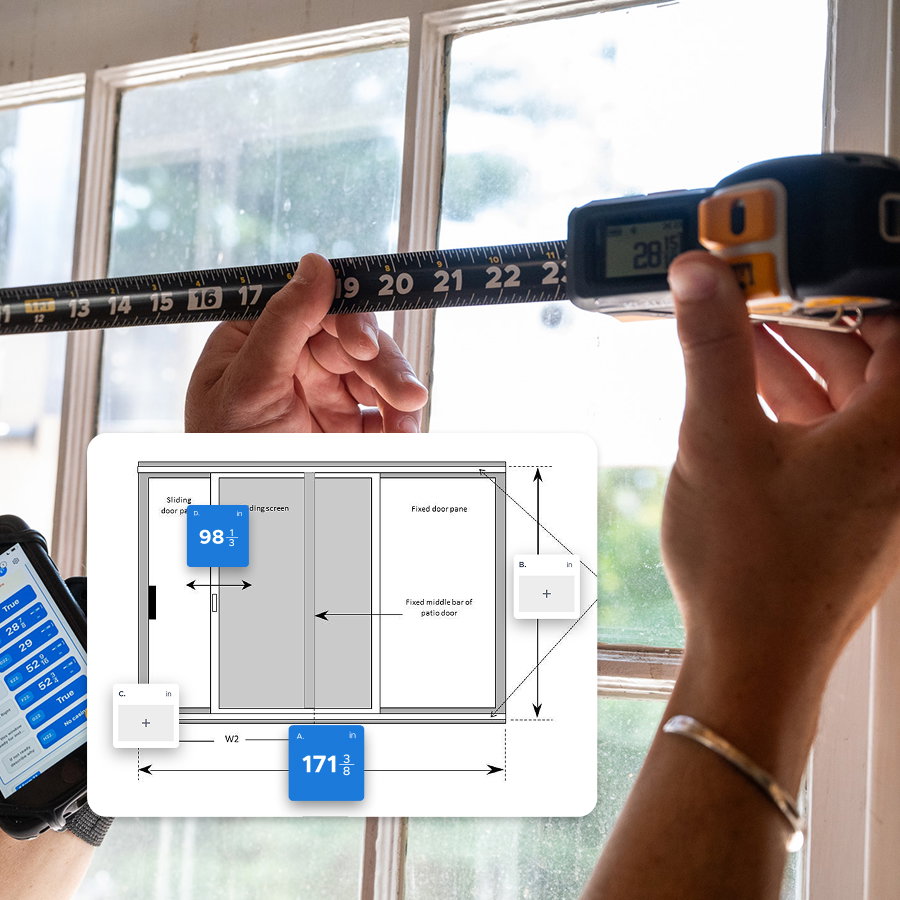
Create A Form
Forms are for the information you collect the same way every time, like a site survey, an inspection, or an install checklist.
Choose Add Form, pick a built-in template, and fill in the fields. Capture measurements straight from your tool and attach photos where the form asks for them.
Because everyone fills out the same form the same way, the data comes back clean and comparable across every job.
TRY A FORM TEMPLATE
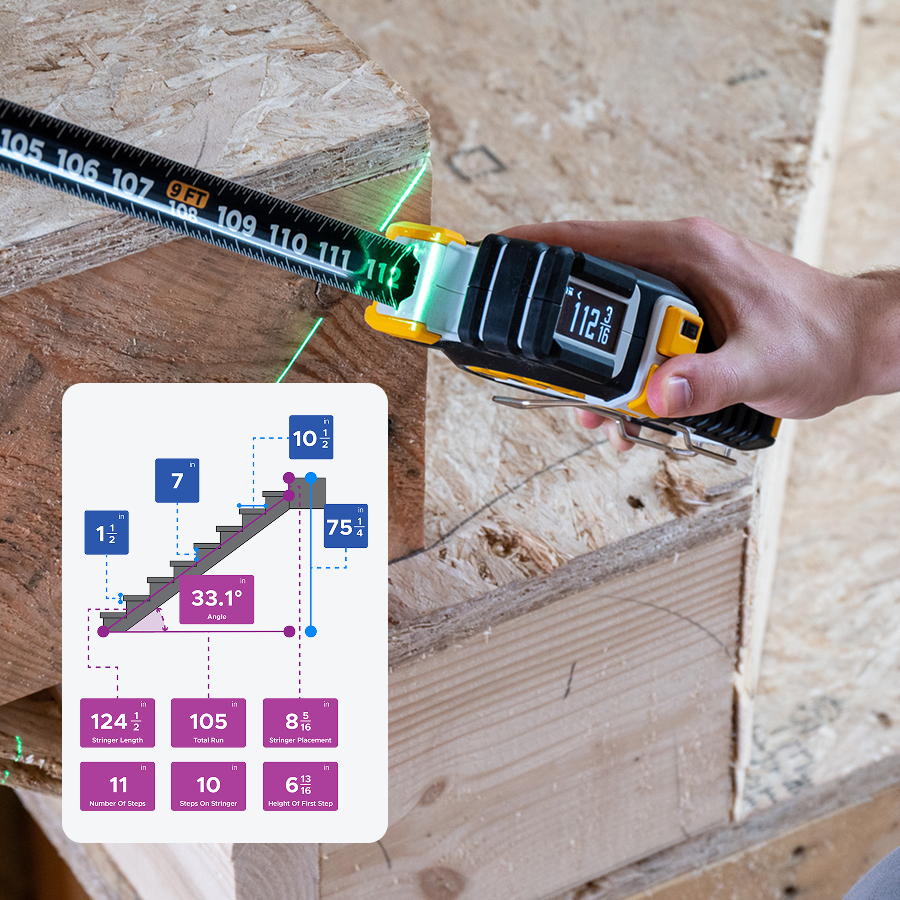
CONSTRUCTION CALCULATORS
Get The Numbers You Need On Site
Use built-in calculators made for common construction work. Enter field measurements and get the layout, material, or spacing information needed.
Where to use:
Stairs and railings
Electrical
Plumbing
Framing
Area and volume
BOLDR Pro Applications
A few quick wins to get comfortable in BOLDR Pro.
Create Custom Measurement Templates
Make custom templates in the BOLDR App with inputs, drop downs, text fields, formulas and more.
Connecting Bluetooth Measuring Tools
REEKON products connect over Bluetooth to share measurements and other data directly from the tools to app.
Updating Firmware on REEKON Tools
REEKON continually releases new features for our products based on user feedback and algorithmic advances.
Frequently Asked Questions
Yes. BOLDR saves your notes, photos, and measurements on your device and syncs automatically when you're back online.
No. You can enter measurements by hand. A connected REEKON tool just lets you capture them with one button press instead.
Any Bluetooth-enabled REEKON tool, including the T1, T1M, P1L, and the T1R
Yes. BOLDR Pro is a web app and a mobile app on one account: capture in the field, review and export in the office, synced in real time.
Export in a range of formats, including CSV, to bring your measurements into estimates, spreadsheets, and other software.
Yes. Data is cloud-connected and shared in real time, so field crews and office staff work from the same lists, photos, and forms.
SUPPORT
Still Need Help? Reach Out!
Everything you need to get the most out of your REEKON tools.
VISIT SUPPORT CENTER
Still have questions? Our team is here to help.
Contact Us