
How do you get field dimensions into a BIM model?
- Plumbing
- Rough-In
- Measurement Lists
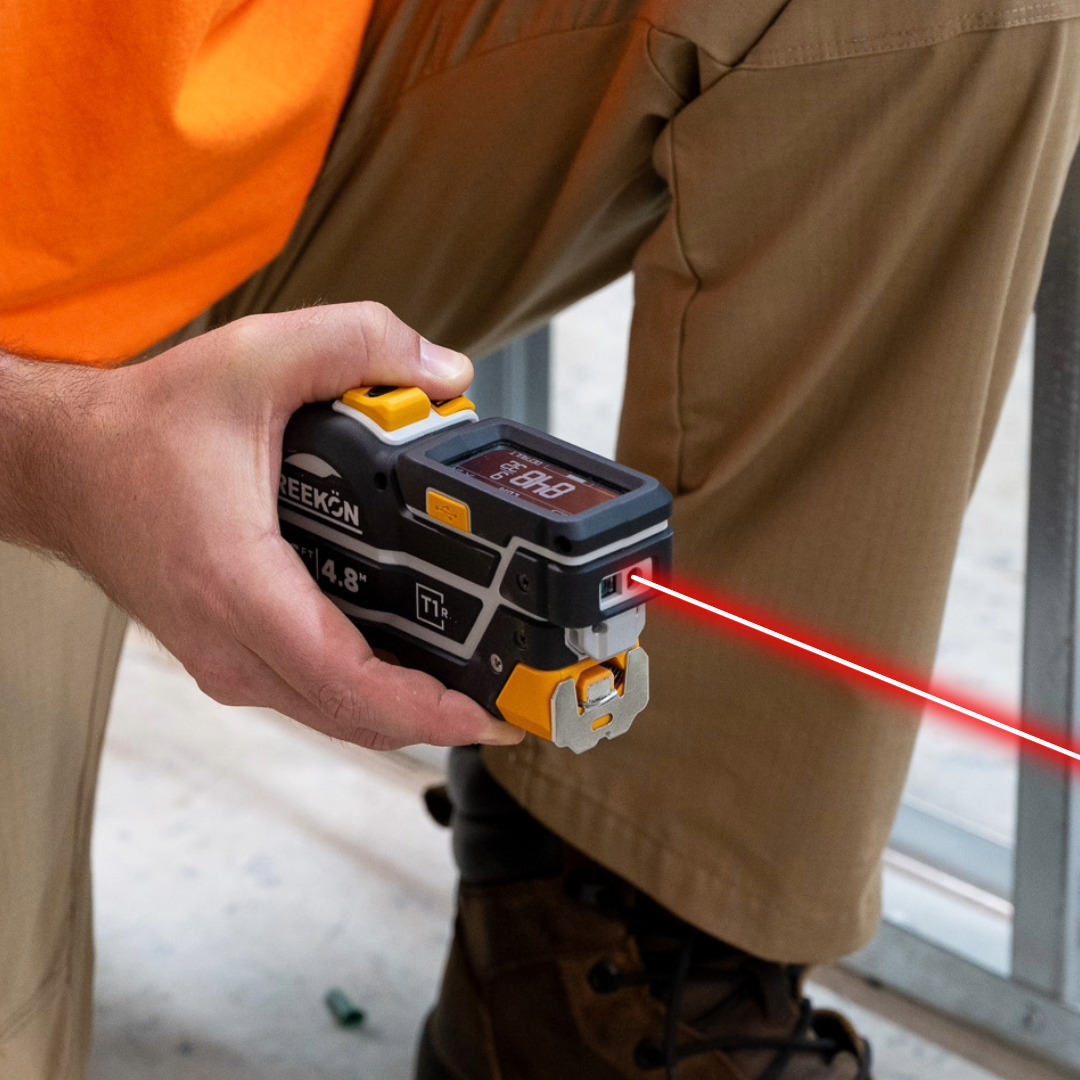
As-builts get done twice: once with a tape and a clipboard in the field, then again at a desk retyping a photograph of that clipboard into the model. Every hand-off is a chance to transpose a digit, and nobody catches it until a hanger lands in a duct. The T1 Tomahawk drops each reading into a pre-labelled field in the app, so pipe one goes to pipe one, and the whole set exports as CSV into the master model. The field trip produces the record, not notes about the record.
How the numbers reach the model
- Readings land in pre-labelled fields
- Laser picks up each penetration
- T1 records seven pipes in sequence
- Set exports as CSV to the model
- T1 removes the retyping step
The video updates an as-built for a row of pipe penetrations along a wall. The laser picks up each location in turn, and the readings populate a template whose fields are already labelled and already linked in the main model. Seven pipes get recorded in sequence, then the set exports as a CSV file that goes back into the master BIM.
proven favorites
Best Selling Tools
SHOP ALL
BOLDR PRO SOFTWARE
Practical Tools For Every Part Of The Job
Capture measurements with REEKON tools, then use them where the work happens.
100,000+ Customers
Get Started Today
Get more done and reduce errors immediately with REEKON digital measuring tools. Try today risk-free for 30 days and see for yourself.
Reduce Costly Errors
Standardize Workflows
Enter Into Any Software
SHOP NOW