
How do you get measurements into Procore drawings?
- Data Entry
- Measurement Lists
- Windows
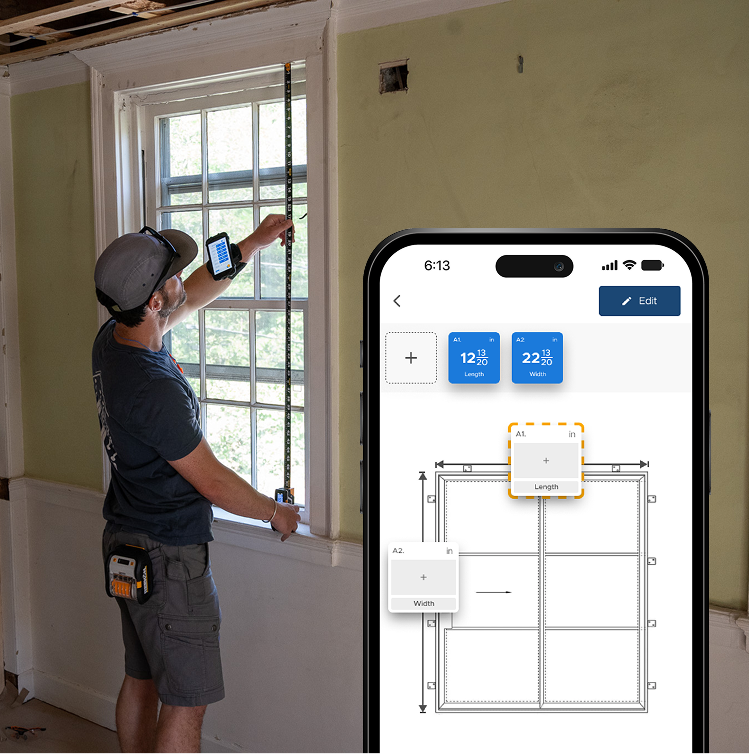
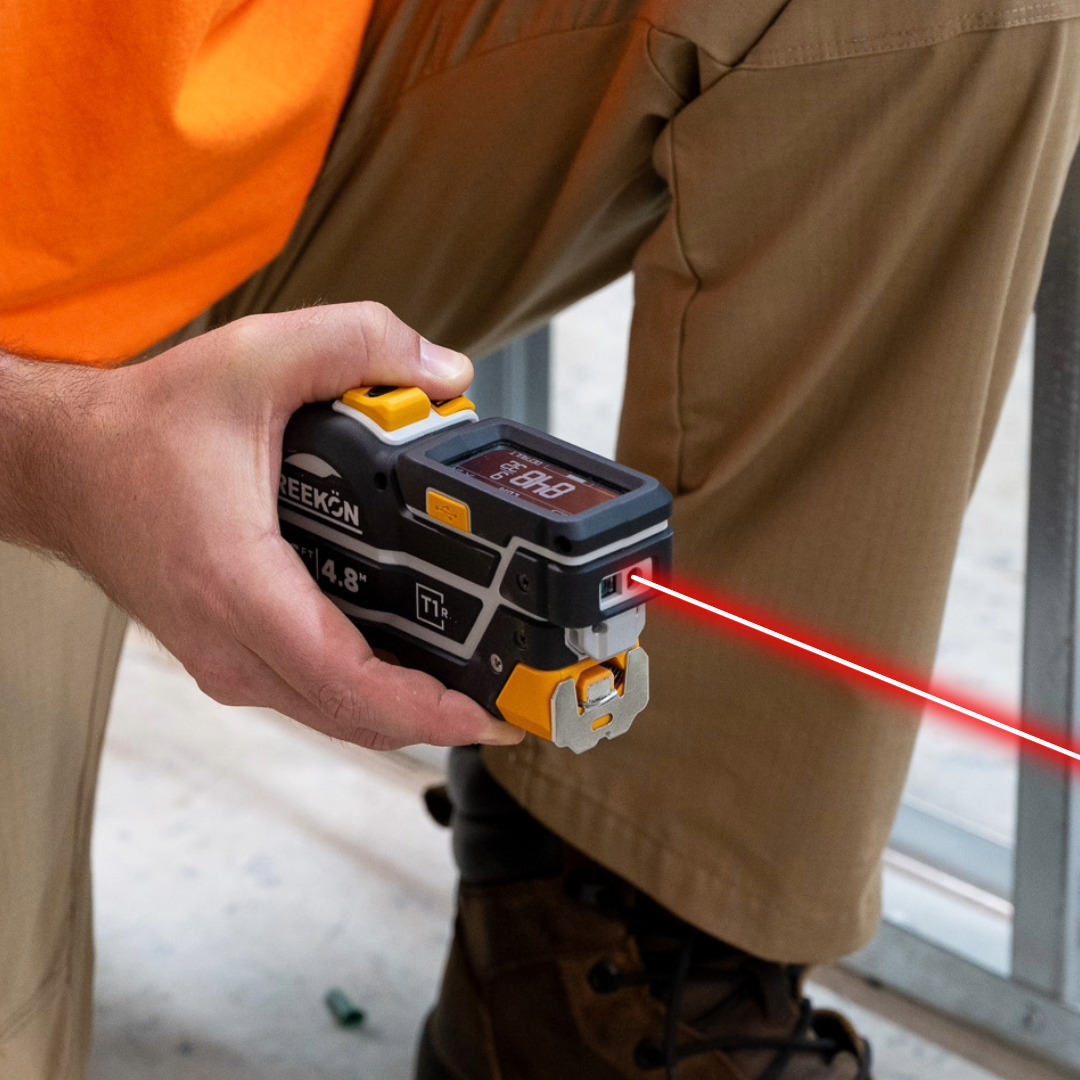
Field verification only gets done if it is quicker than skipping it, and typing dimensions into a drawing on a tablet at height is not quick. Selecting a text box and hitting save on the T1M Utility populates it and tabs to the next, so a whole set of dimensions goes onto a Procore drawing without the keyboard. The as-built is built while you are still standing there.
Why verification gets skipped
- Text boxes placed on the drawing first
- Select a box, then save on the tape
- Focus tabs to the next input
- No keyboard on a tablet at height
- The as-built is built on the spot
Place your text boxes on the drawing first, then select one and hit save on the tape. The reading populates that box and the cursor tabs to the next, so you work down the dimensions on the drawing without touching the keyboard. Nothing is written down and nothing is typed in twice.
proven favorites
Best Selling Tools
SHOP ALL
BOLDR PRO SOFTWARE
Practical Tools For Every Part Of The Job
Capture measurements with REEKON tools, then use them where the work happens.
100,000+ Customers
Get Started Today
Get more done and reduce errors immediately with REEKON digital measuring tools. Try today risk-free for 30 days and see for yourself.
Reduce Costly Errors
Standardize Workflows
Enter Into Any Software
SHOP NOW