
How do you link a jobsite label to Procore or Fieldwire?
- Punch List
- Data Entry
Site software only helps if somebody can find the right record while standing in front of the work, and that is where most systems lose. A P1L Tagger label prints with the link already encoded, so scanning it on the wall opens that file, folder or issue in Procore, ACC or Fieldwire directly. The document management you already pay for finally reaches the field.
How the record reaches the wall
- Label prints with the link encoded
- Scan opens the file, folder or issue
- Works with Procore, ACC and Fieldwire
- No hunting for the right record
- The system you pay for reaches the field
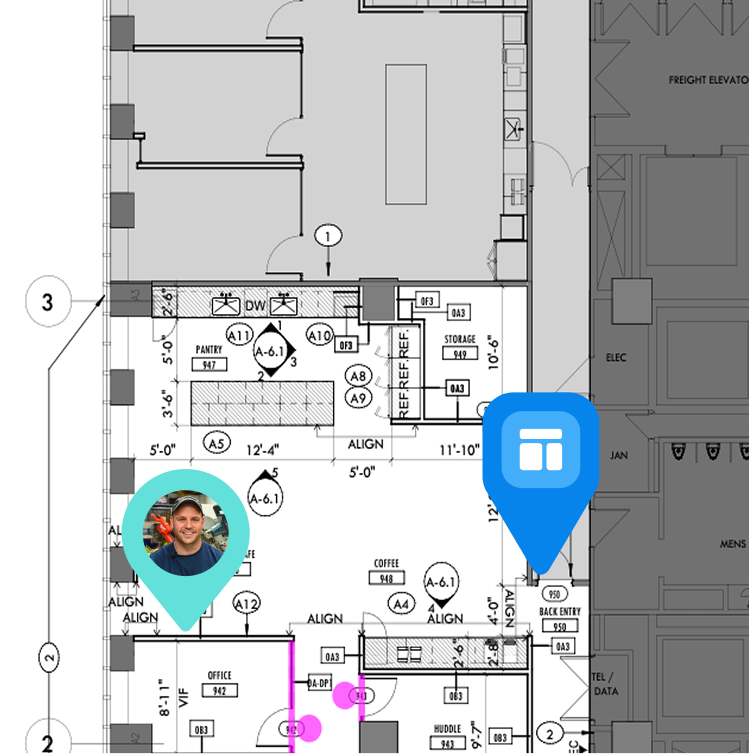
Print the label with the link already in it. The P1L Tagger prints a QR label that points at a file, folder or issue in the software you already run, so scanning the label on the wall opens the right record in Procore, ACC or Fieldwire rather than sending someone hunting for it.
proven favorites
Best Selling Tools
SHOP ALL
BOLDR PRO SOFTWARE
Practical Tools For Every Part Of The Job
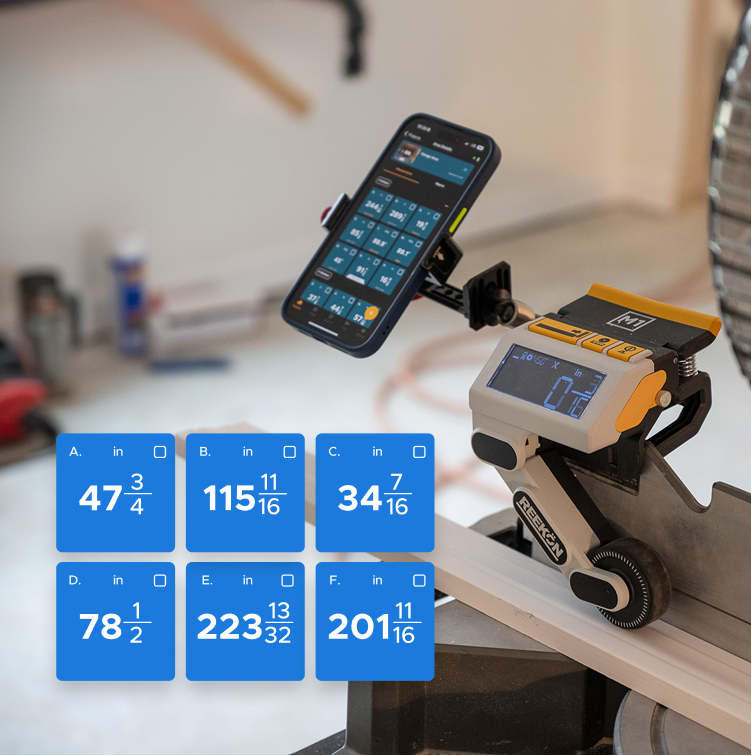
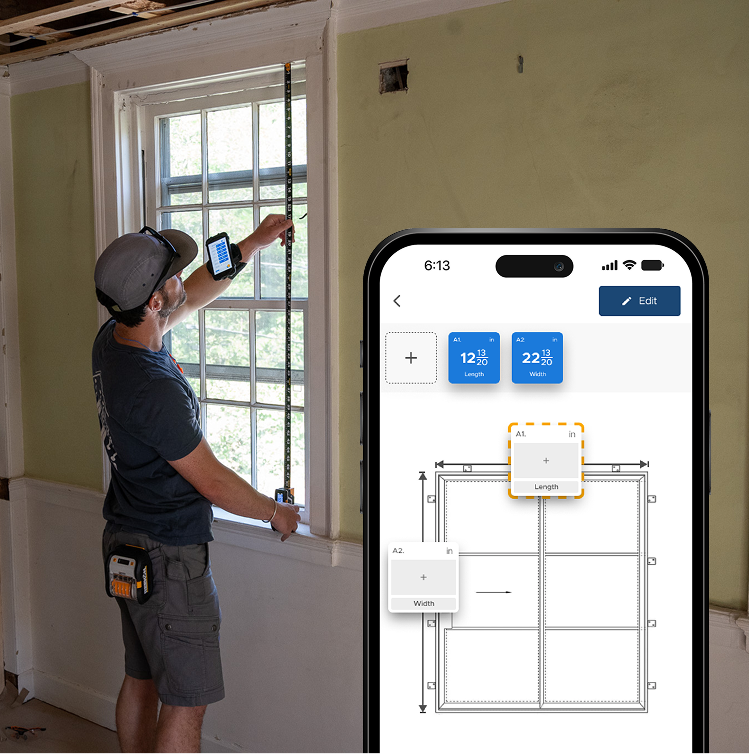
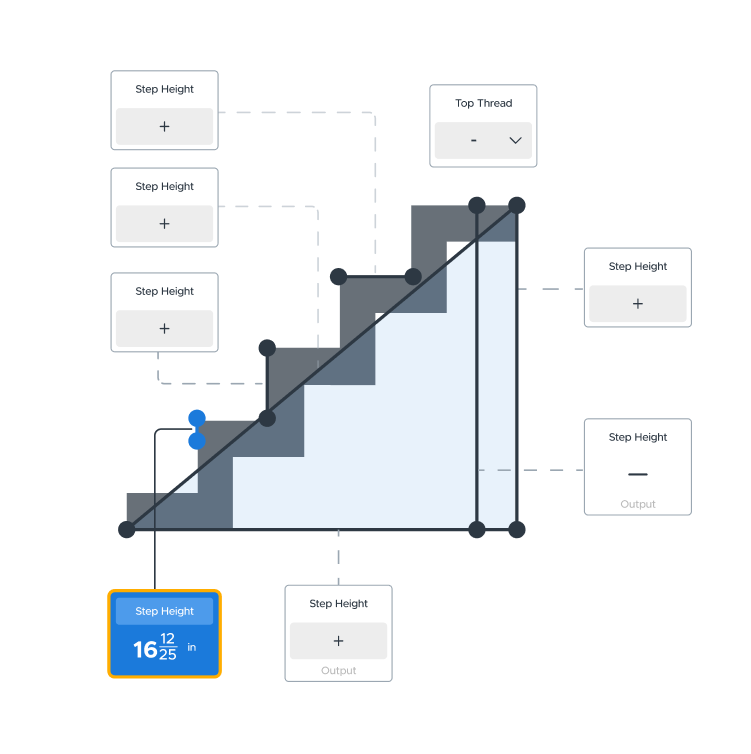
Capture measurements with REEKON tools, then use them where the work happens.
100,000+ Customers
Get Started Today
Get more done and reduce errors immediately with REEKON digital measuring tools. Try today risk-free for 30 days and see for yourself.
Reduce Costly Errors
Standardize Workflows
Enter Into Any Software
SHOP NOW