
How do you measure multiple door openings without mixing them up?
- Finish Carpentry
- Doors
- QR Labeling
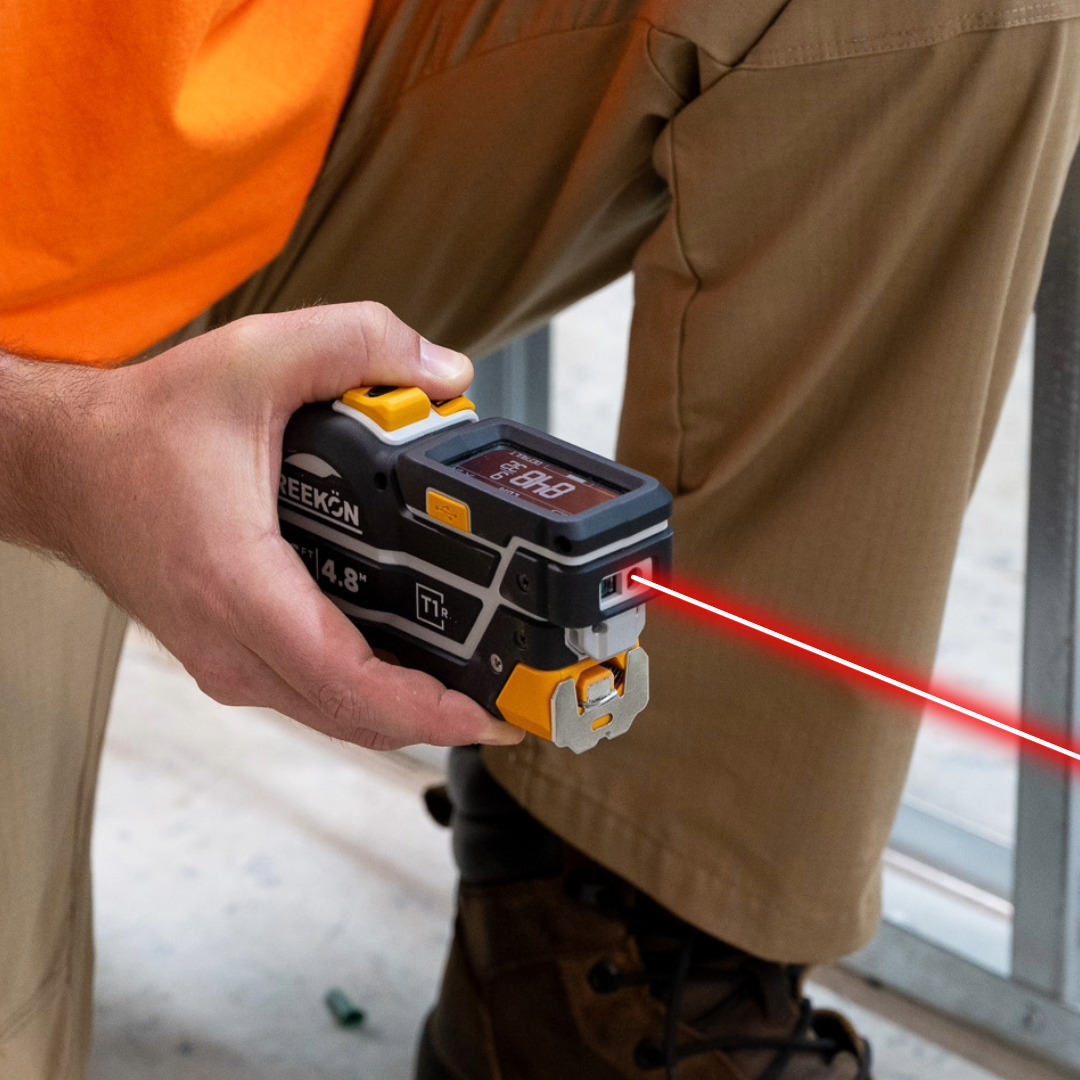
Twenty openings on a floor plan produce twenty near-identical sets of numbers, and the mix-up surfaces at delivery when a slab does not fit. Printing a QR label for each opening and scanning it before you measure files every T1M Utility reading under that door. Anyone on the crew scans the same code and sees the same set, so the order goes out against the right opening.
How each opening keeps its own numbers
- A QR label printed for each opening
- Scan before measuring to file readings
- T1M readings land under that door
- Anyone scanning sees the same set
- The order goes out against the right one
Label each opening before you measure it. Print a QR label for the door, scan it with the BOLDR app, and every measurement you take files itself under that specific door. Anyone else on site scans the same code and sees the same numbers, so there is no guessing which set of dimensions belongs to which opening at order time.
proven favorites
Best Selling Tools
SHOP ALL
BOLDR PRO SOFTWARE
Practical Tools For Every Part Of The Job
Capture measurements with REEKON tools, then use them where the work happens.
100,000+ Customers
Get Started Today
Get more done and reduce errors immediately with REEKON digital measuring tools. Try today risk-free for 30 days and see for yourself.
Reduce Costly Errors
Standardize Workflows
Enter Into Any Software
SHOP NOW