
How do you position material to an exact dimension?
- Framing
- Layout
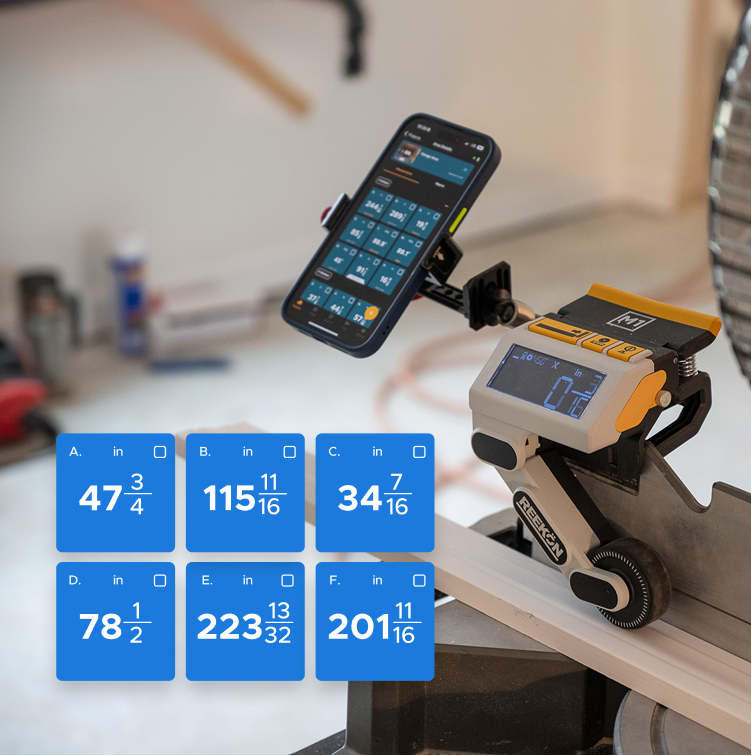
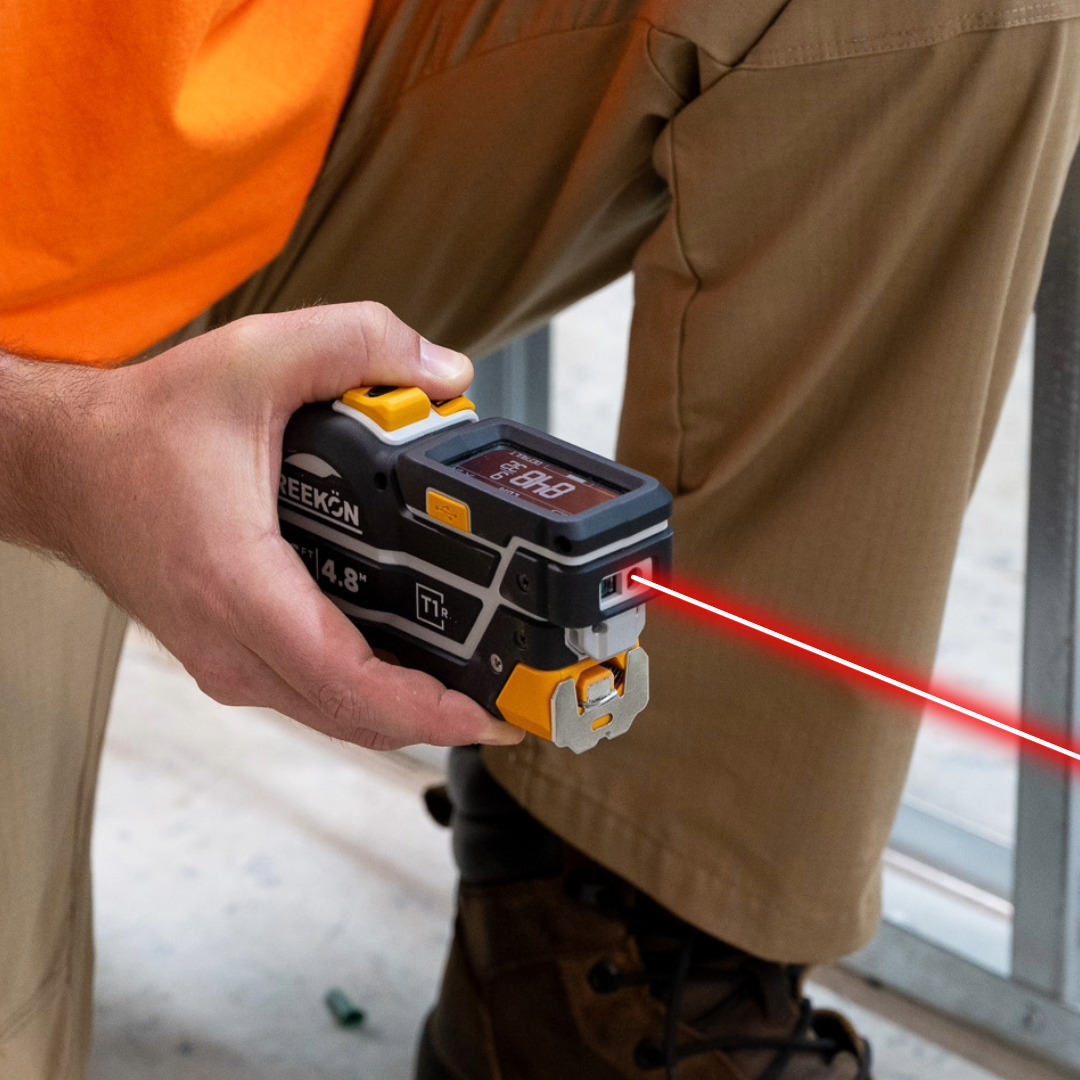
Positioning material to a dimension is usually measure, mark, nudge, then measure again, and the last two repeat until you give up. Continuous mode on the T1R Range updates the reading live as the piece moves, so you slide until the display says the number and fasten it there. The measurement and the positioning become one action instead of a loop.
How the loop gets removed
- Measure, mark, nudge, measure again
- Continuous mode updates as it moves
- Slide until the display says the number
- Fasten it there and move on
- Measuring and positioning become one
Leave the tool in continuous mode and slide the piece until the number is right. Instead of measuring, marking, then nudging the material and measuring again, the reading updates live as you move it. You stop when the display says what you want and fix it there.
proven favorites
Best Selling Tools
SHOP ALL
BOLDR PRO SOFTWARE
Practical Tools For Every Part Of The Job
Capture measurements with REEKON tools, then use them where the work happens.
100,000+ Customers
Get Started Today
Get more done and reduce errors immediately with REEKON digital measuring tools. Try today risk-free for 30 days and see for yourself.
Reduce Costly Errors
Standardize Workflows
Enter Into Any Software
SHOP NOW