
How do you verify outlet locations against the drawings?
- Electrical
- Rough-In
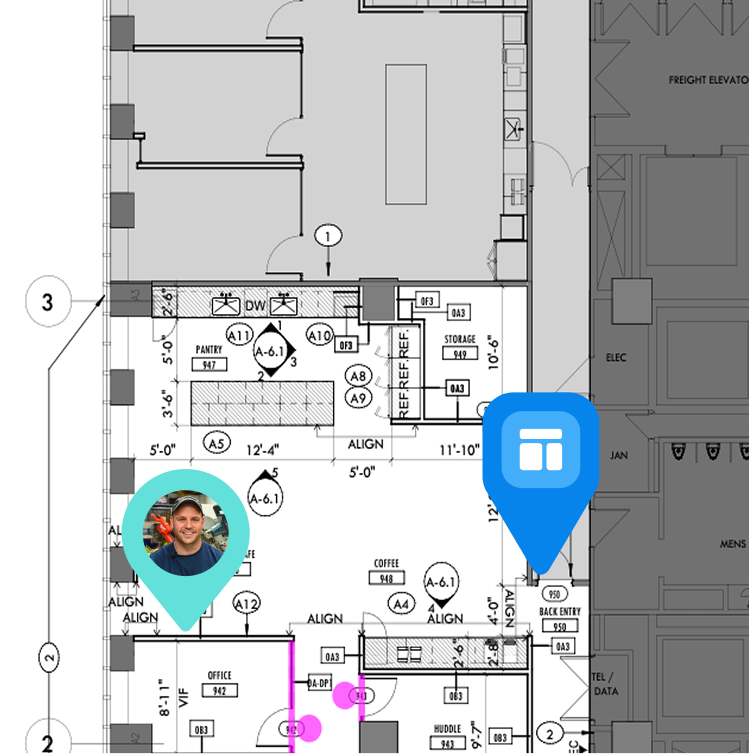
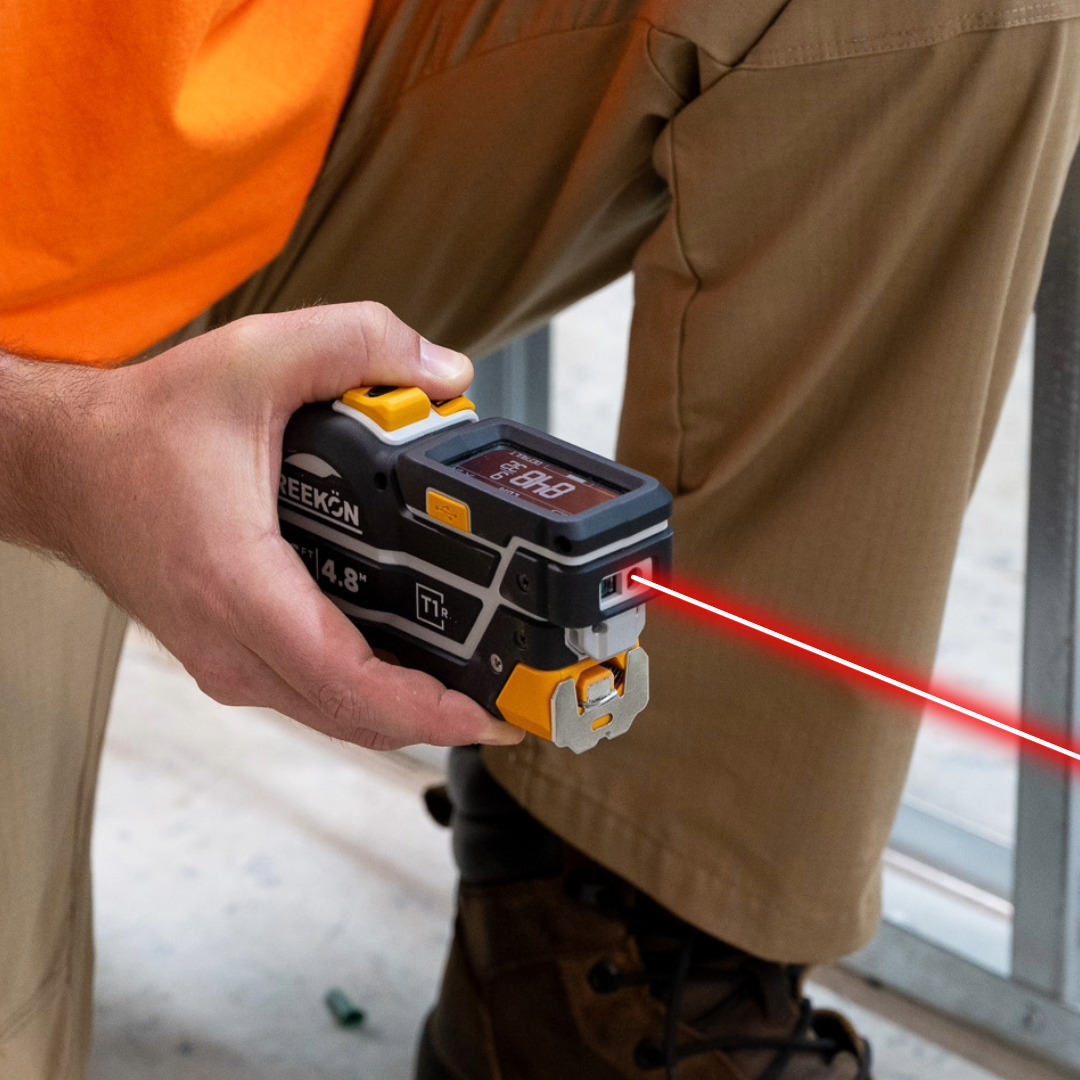
Device heights are a spec item an inspector checks and drywall makes permanent, so the window to catch a wrong box is before the rock goes up. Pulling a centre line with the T1R Range and saving each reading builds the check as you walk the wall, and those figures export onto the PDF as-built instead of being copied by hand.
How the check gets recorded
- Pull a centre line, then take each device
- T1R saves both readings on the tool
- Checked before drywall makes it permanent
- Exports onto the PDF as-built
- Nothing copied out by hand
Measure to each outlet and check it against spec before the walls close up. With the T1R Range you pull a center line, take the first outlet at 80 and 1/8 and the second at 89, and both readings save to the device. From there they go onto the PDF as-built instead of being copied out by hand.
proven favorites
Best Selling Tools
SHOP ALL
BOLDR PRO SOFTWARE
Practical Tools For Every Part Of The Job
Capture measurements with REEKON tools, then use them where the work happens.
100,000+ Customers
Get Started Today
Get more done and reduce errors immediately with REEKON digital measuring tools. Try today risk-free for 30 days and see for yourself.
Reduce Costly Errors
Standardize Workflows
Enter Into Any Software
SHOP NOW