
Measuring cabinet faces into a photo of the run
- Cabinets & Millwork
- Photo Documentation
- BOLDR
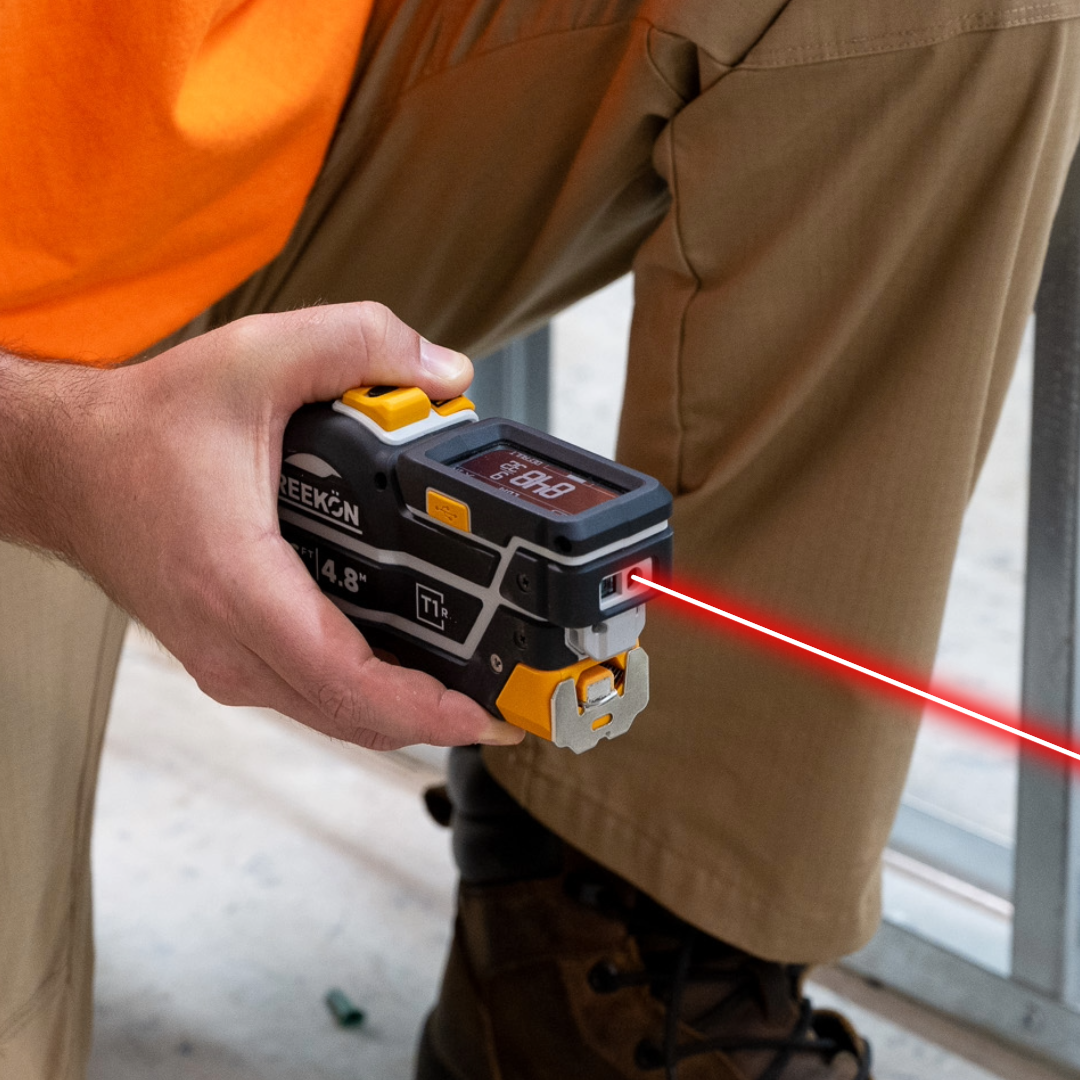
Replacement doors and panels are ordered per opening, and a kitchen has a dozen openings that differ by a sixteenth. Measuring each face with the T1R Range and letting it land on a photo of the run in BOLDR puts every figure against the door it came from. The shop receives a picture of the kitchen with the sizes on it rather than a schedule that has to be matched up by eye.
Tie each size to its door
- A dozen openings differ by a sixteenth
- Schedules get matched up by eye
- Each face lands on the photo
- Filled and empty slots are visible
- The shop sees the kitchen, not a list
A finished kitchen with pale upper cabinets and a range hood is measured face by face, the green line running across a door front. An iPad on the island shows a photograph of that same run with blue tags already filled against several doors and white empty slots waiting on the rest.
proven favorites
Best Selling Tools
SHOP ALL
BOLDR PRO SOFTWARE
Practical Tools For Every Part Of The Job
Capture measurements with REEKON tools, then use them where the work happens.
100,000+ Customers
Get Started Today
Get more done and reduce errors immediately with REEKON digital measuring tools. Try today risk-free for 30 days and see for yourself.
Reduce Costly Errors
Standardize Workflows
Enter Into Any Software
SHOP NOW