
Putting a field measurement straight onto a drawing
- Countertops
- Drawings & CAD
- BOLDR
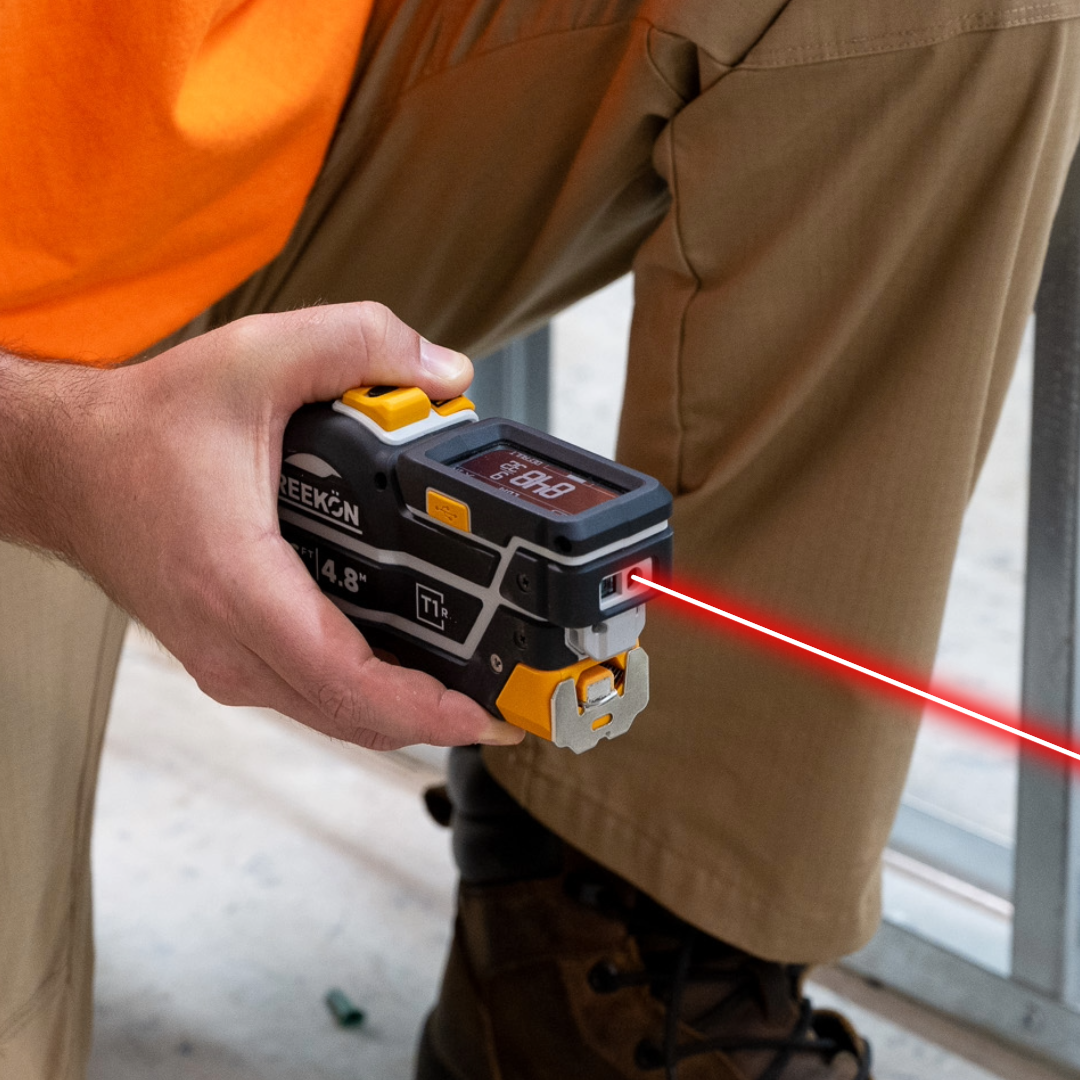
The gap between reading 44 3/16 off a tool and seeing it on a drawing is where a dimension gets rounded, transposed or attached to the wrong edge. In BOLDR Pro that gap is gone: the figure the T1R Range just read appears as a labelled edge on the CAD drawing, and the next shot continues the outline from there. You draw by measuring rather than by typing.
No step between reading and drawing
- Rounding happens between tool and paper
- 44 3/16 arrives on the drawing as read
- Each shot continues the outline
- Edges carry their own labels
- You draw by measuring, not typing
A marble surface and its return are measured with the T1R Range, the green line visible across the stone and the display reading 44 3/16. The iPad then shows that exact figure on the BOLDR Pro CAD drawing, headed CAD Drawing 5 and Floor plan, alongside edges at 18 1/16, 2 5/16, 19 3/16 and 45 7/16.
proven favorites
Best Selling Tools
SHOP ALL
BOLDR PRO SOFTWARE
Practical Tools For Every Part Of The Job
Capture measurements with REEKON tools, then use them where the work happens.
100,000+ Customers
Get Started Today
Get more done and reduce errors immediately with REEKON digital measuring tools. Try today risk-free for 30 days and see for yourself.
Reduce Costly Errors
Standardize Workflows
Enter Into Any Software
SHOP NOW