

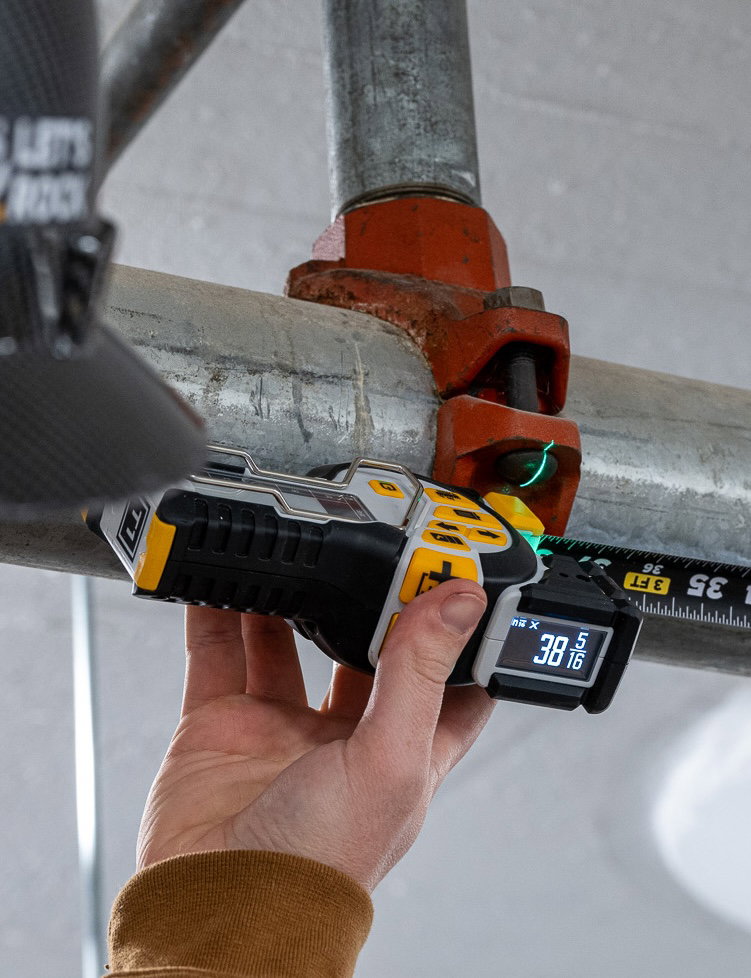
WELCOME
GETTING STARTED WITH YOUR T1R
Learn more about your new T1R Range and put it to work on your next project.
STEP 1
Get To Know The T1R Range
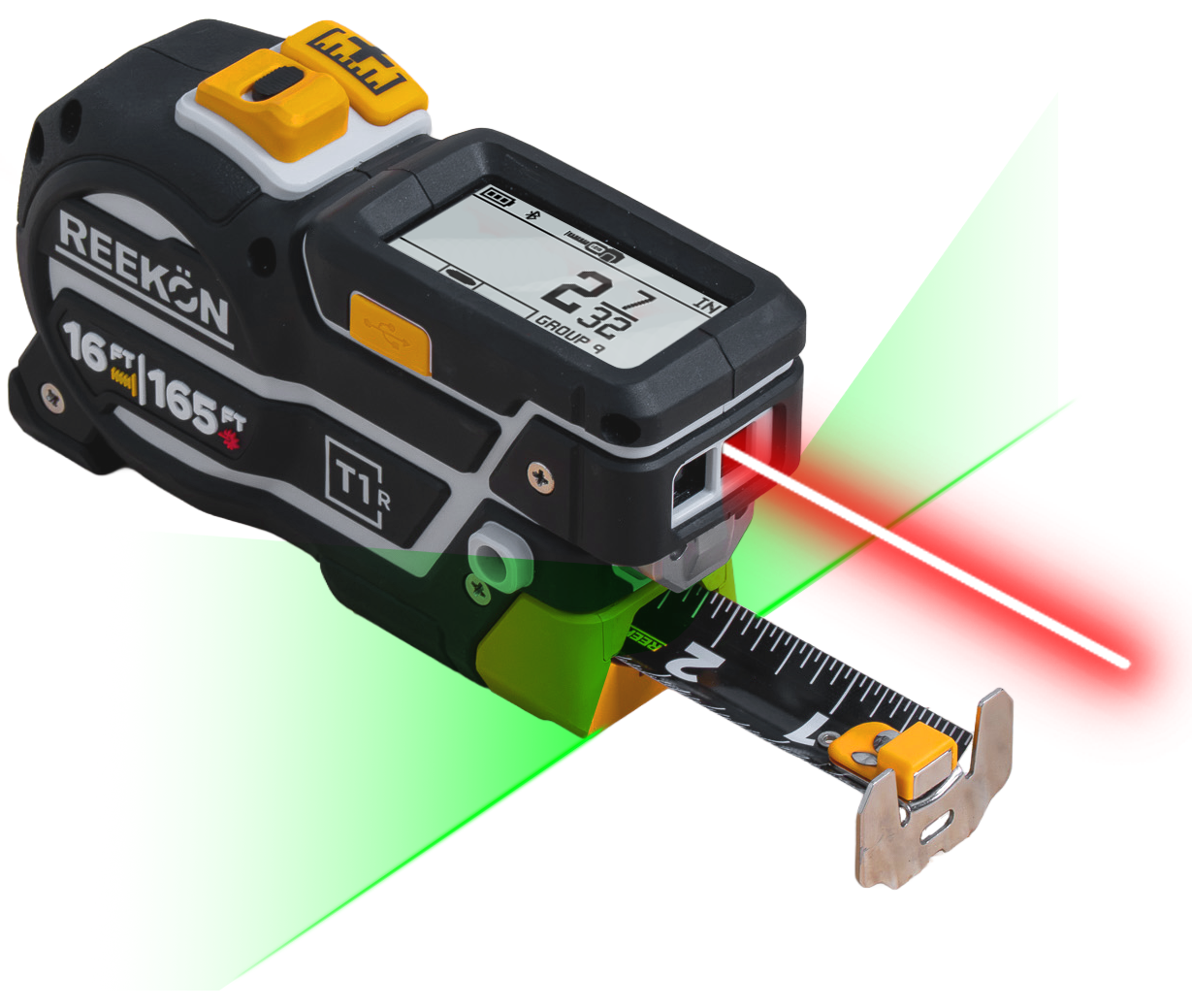
Learn the buttons, displays, and key components of your REEKON tool, so you get the most out of every measurement.
Register For Your Warranty
Make sure you protect your new tool. Fill out a form to register your REEKON Product's 1 Year Warranty.
CAPTURE
Saves measurement to E-Paper Display and BOLDR app (if connected).

QUICK ACTIONS MENU
Select from a series of measuring functions.

CURSOR UP/DOWN
Moves cursor up and down on E-paper Display or in Quick Actions Menu.

LAser TOGGLE
Quick press will turn on the green laser alignment. (Press and Hold: Will toggle between Digital Tape Measure and Laser Distance Measure modes.)

View Quick Start Guide For More Details
Learn the basics, explore key features, and get up to speed quickly with the official guide.

STEP 2
Download The Free BOLDR App
Download BOLDR Pro to update your devices firmware and register your new T1 Tomahawk (Note - BOLDR is not required but provides many additional features).
BOLDR Pro Mobile App
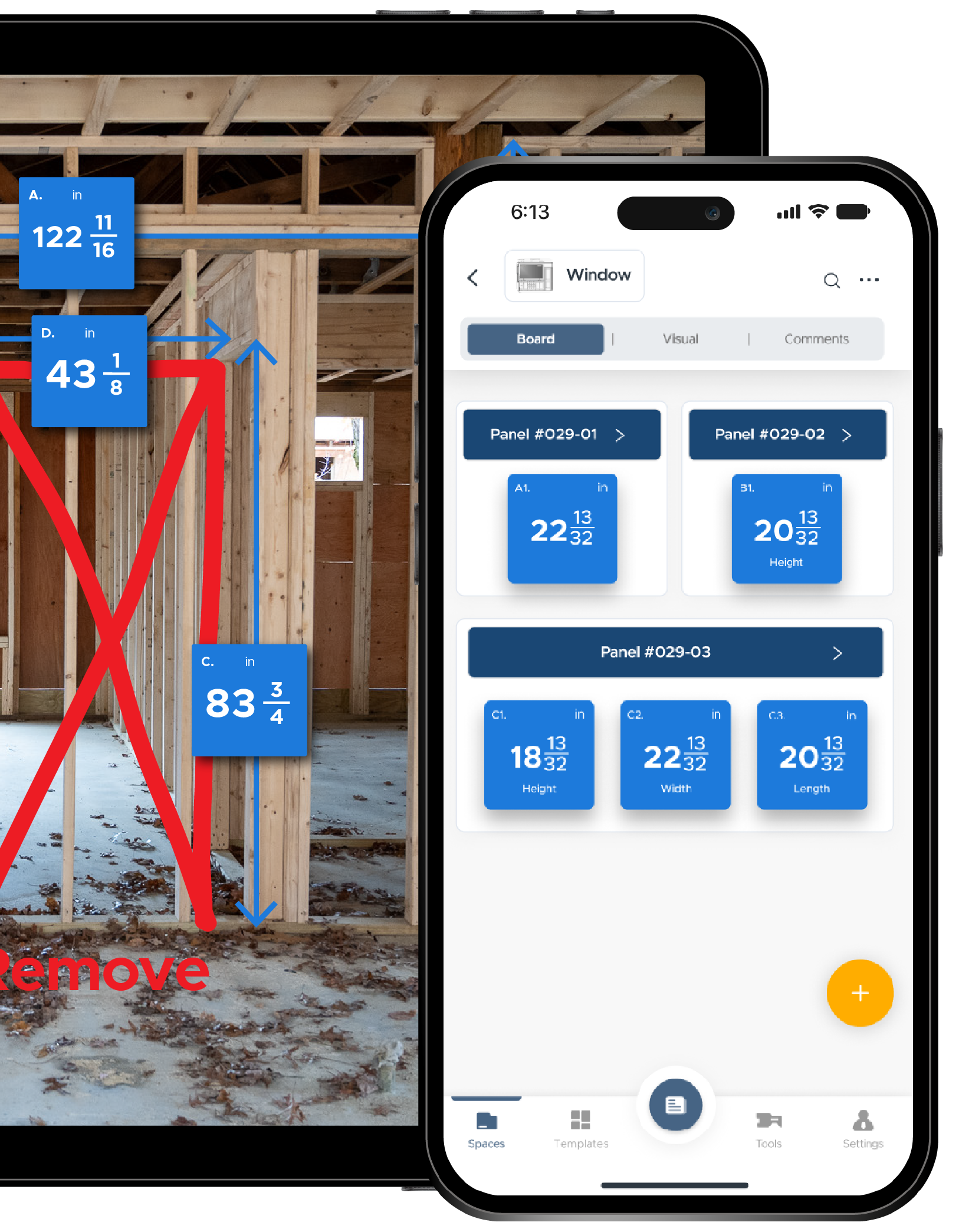
Capture measurements, notes, and photos instantly in the field.
Follow company templates so every task is done the right way
Sync all your job updates back to the office in real time.


Powerful Upgrade to Your T1R
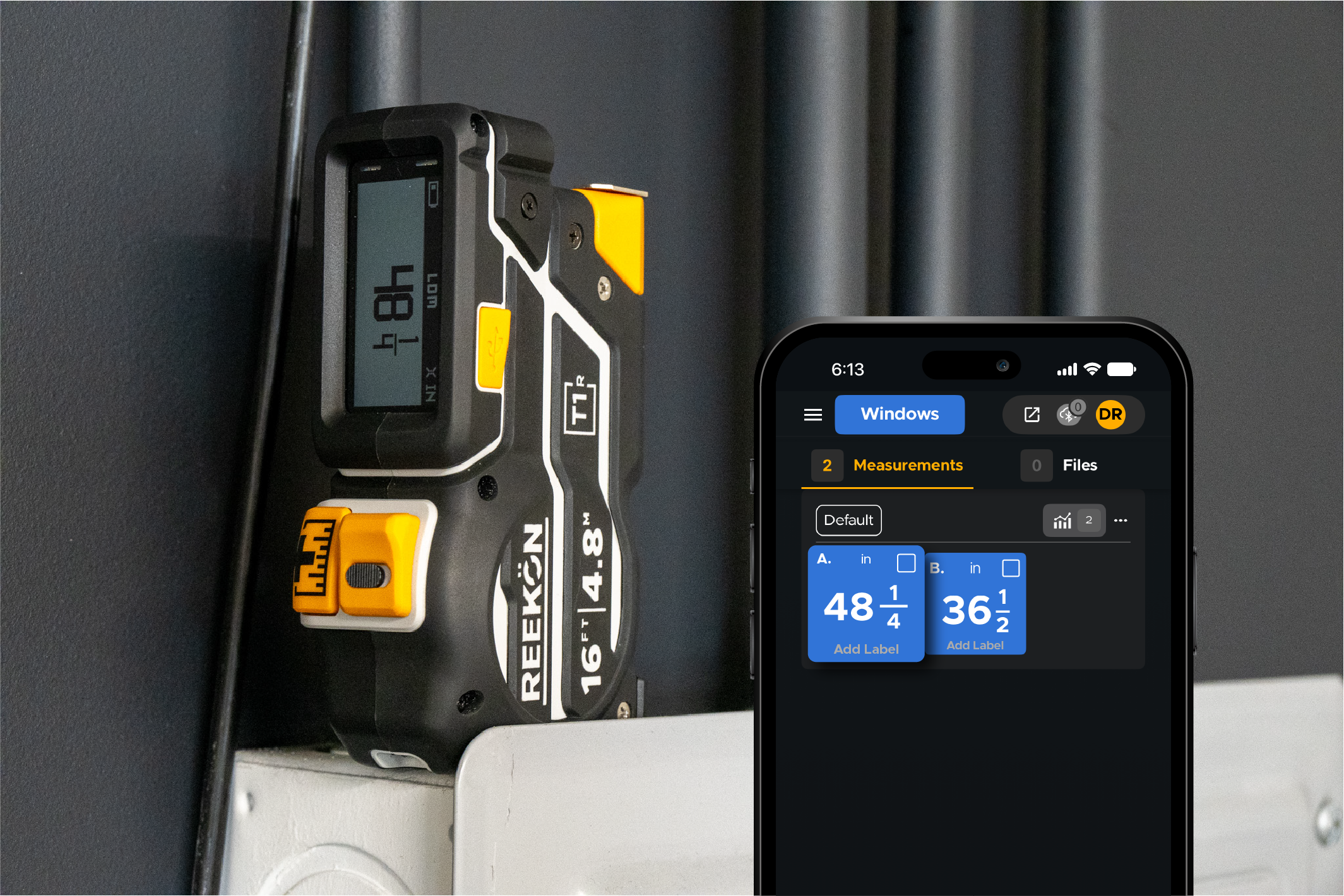
Send measurements directly into notes, spreadsheets, PDFs, estimating software, forms, and thousands of other applications without manual typing
Built-In Jobsite Calculators
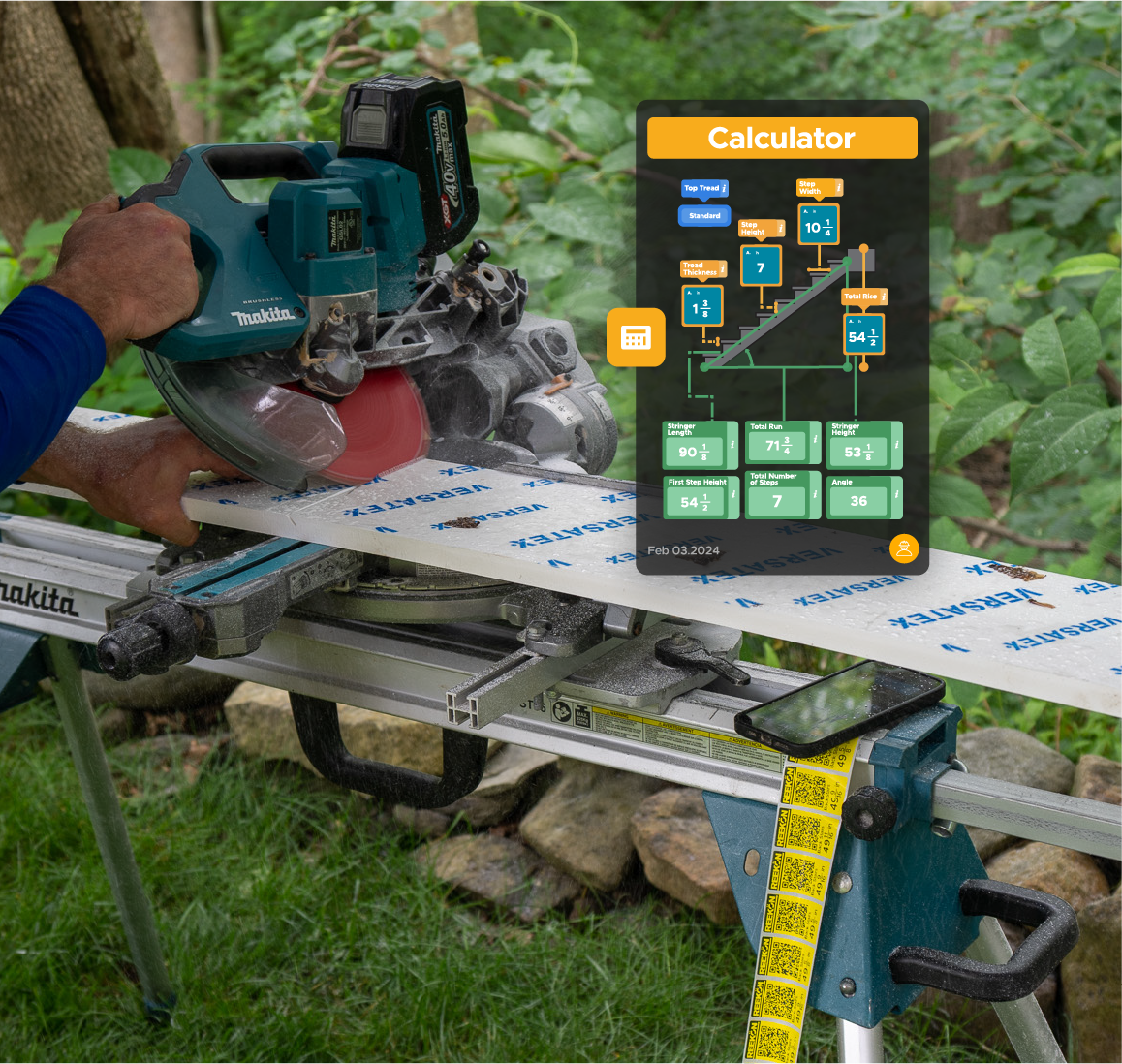
Use measurements instantly in calculators for stairs, spacing, area, volume, layouts, and more without switching tools.
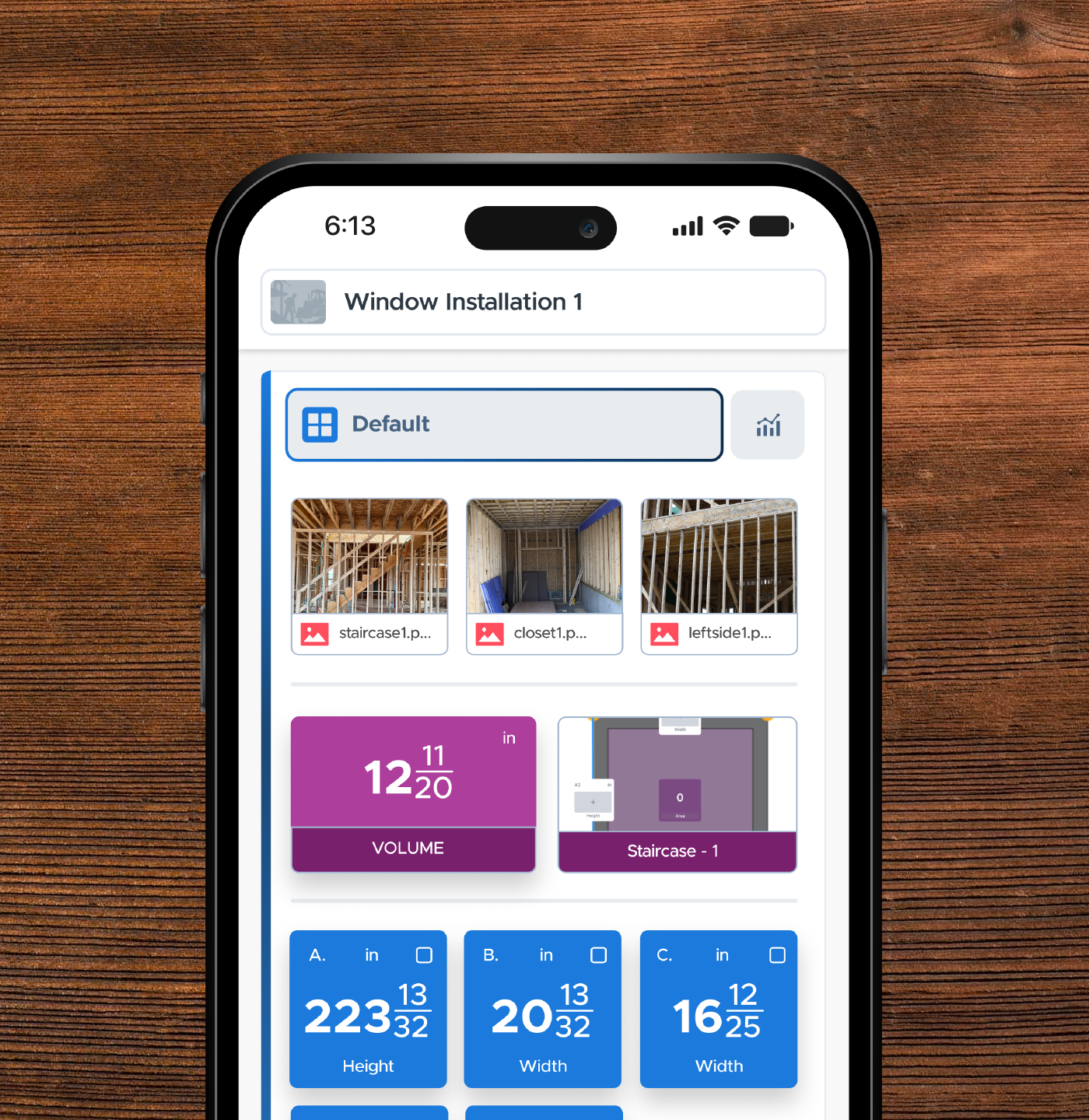
Organized Measurement Lists
Keep measurements grouped by room, project, opening, or task so they're easy to find when you need them later.
STEP 3
First Things To Try
The best way to learn is by using it. Connect your tape to your iPhone, send measurements directly into BOLDR, annotate photos with dimensions, and explore measurement modifications.
T1R Range Applications

T1R Range Hybrid Measure Tool
The T1R Range Hybrid measuring Tool combines a Digital Tape Measure, Level, and Laser Distance Measurer (LDM) into a single professional measuring tool.
The Last Measuring Tool You Will Ever Need
Easily measure anything between 0 inches and 165 feet with the click of a button, save more than 1000 measurements.
All REEKON Tape Measure Applications
Keyboard emulation with the T1 Tomahawk over Bluetooth
Share measurements instantly to the Notes app on your phone (or any text field anywhere on your phone) without typing.
Measure On the Roof and Share Measurements Across the Job Site
Taking and shouting measurements one at a time is the fastest way to lose money and waste material.
Sharing Trim/Baseboard Measurements Using BOLDR Pro
Stop wasting time walking back and forth to your miter saw to cut trim, molding, or baseboard.
STEP 4
Service & Repair
Keep your tool performing like new. Learn how to replace blades, install replacement components, update firmware, and maintain your REEKON tool for years of reliable use.
Setup Guides
Step-by-step instructions for every tool
Video Tutorials
Watch how-to videos for quick setup
Advanced Functions
Get the most out of REEKON Tools
Help & Support
Diagnose and fix common issues fast
VISIT SUPPORT CENTER
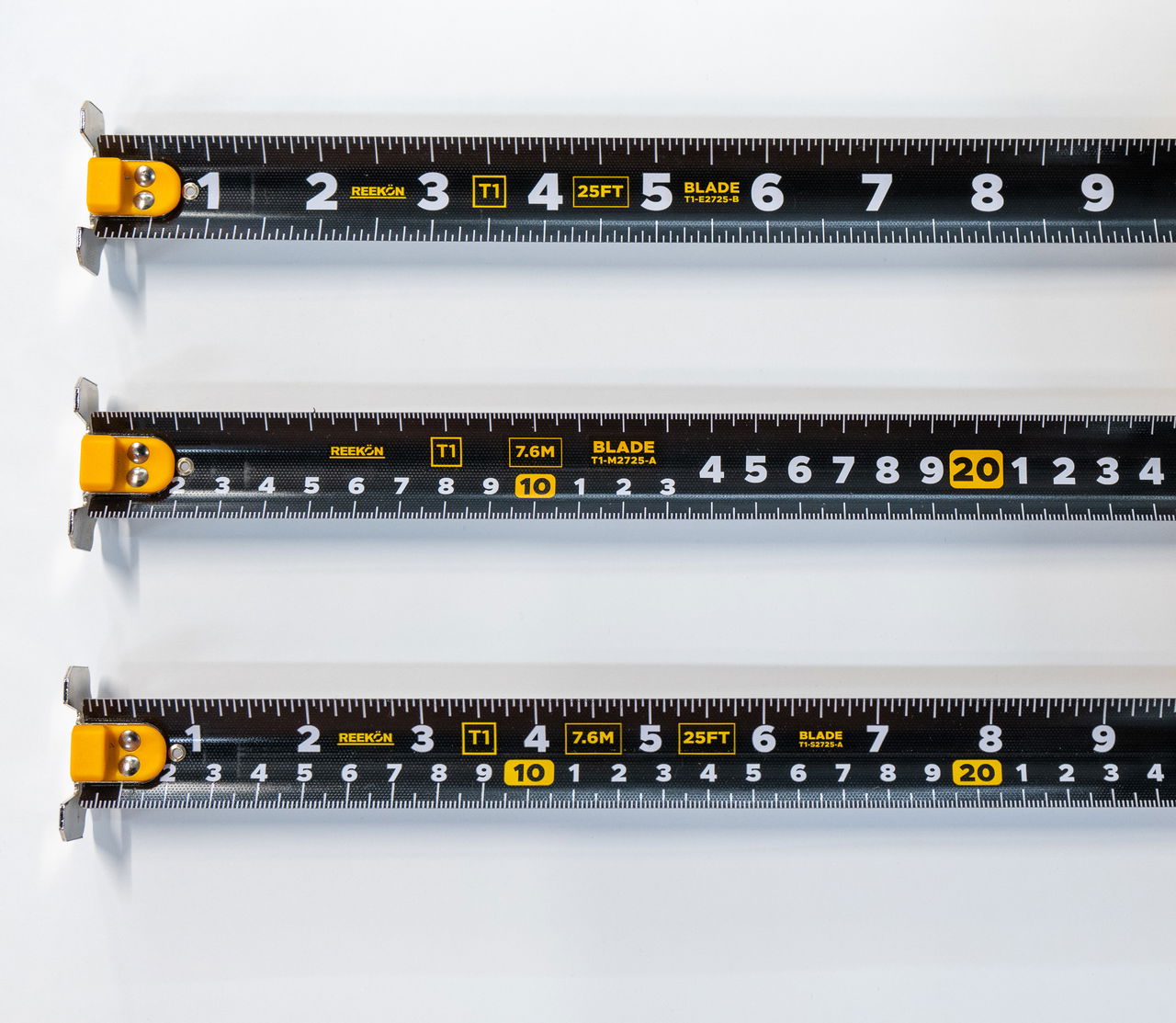
Replace A Damaged Blade
A damaged blade doesn't mean replacing your entire tape measure. Swap in a new blade in minutes without buying a new tool.
LEARN MORE
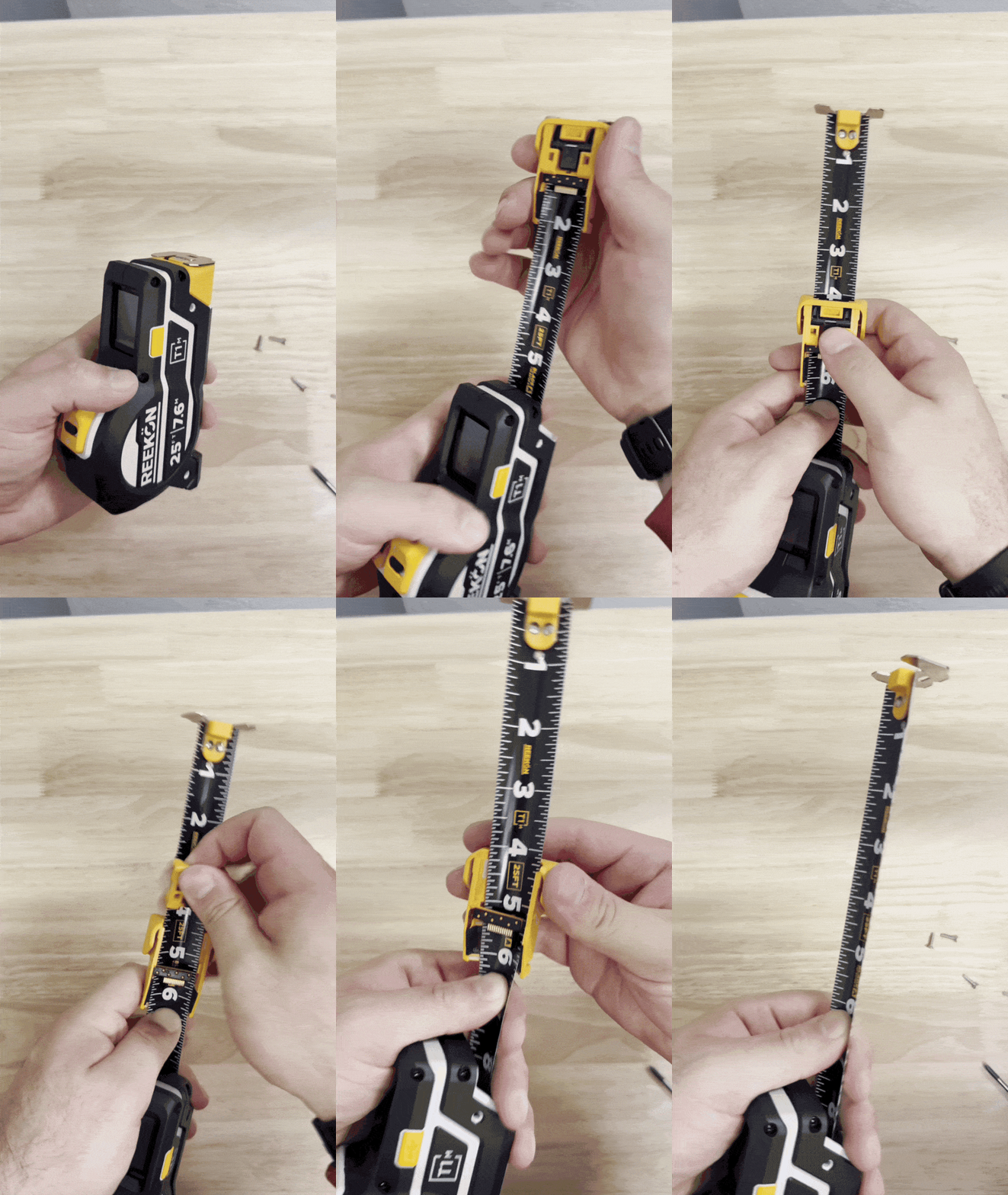
Replacing A Reader Module
If your reader module becomes damaged, worn, or stops performing as expected, replacing it takes just a few minutes.
LEARN MORE
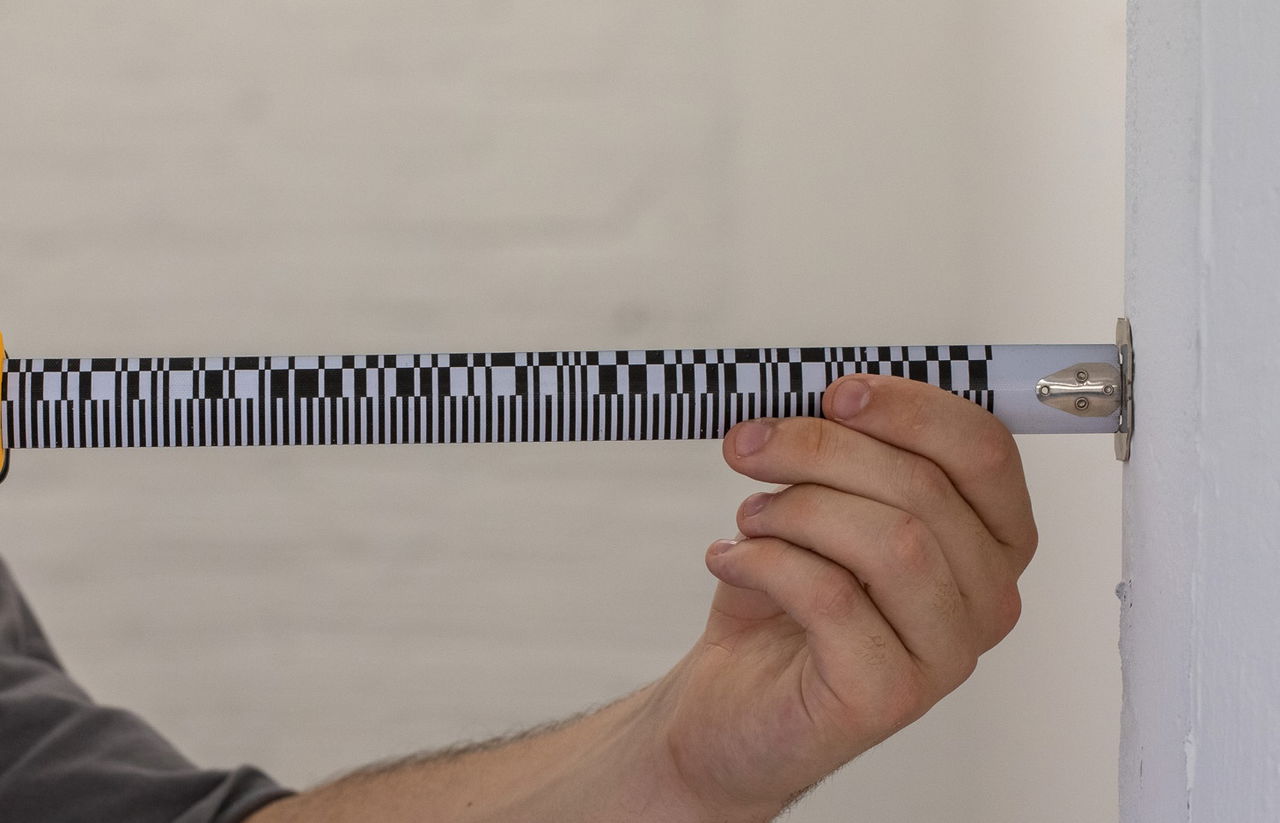
Setup A New Blade (Calibration)
The Blade Setup process ensures that the markings on the tape measure blade perfectly match the digital screen display.
LEARN MORE
Frequently Asked Questions
The T1R Digital tape measure is accurate to 0.02" (0.5mm) and the laser distance meter is accurate to 0.06" (1.5mm).
The T1R Range measures everything from 0 to 165 feet, saves 1,000+ measurements, and sends them straight to your apps, all in one rugged device. A combination laser distance meter and digital tape measure paired with green line laser and level make this the ultimate measuring tool.
The $5 discount locks in a $100 discount on the T1R when pre orders begin (MSRP of $299). Once the pre order launches, you will receive a discounted exclusive link to use to place the full order later in September.
The T1R battery life varies depending on usage but is rechargeable over USB-C with an integrated battery and can last up to 200 hours or 10,000s of measurements.
Yes, the display shows english and metric units and the printed blades come in English, Metric, or Split units.
Yes, there is a powerful Bluetooth 5.0 capability with all T1Rs, open SDK to integrate with various applications, and keyboard emulation to allow measurements to be shared to any mobile, desktop, or tablet device.
Almost every part on the T1R Range tool are replaceable (including teh tape blade, battery, and laser) and is water resistant and drop rated to 6' (2m) onto concrete.
SUPPORT
Still Need Help? Reach Out!
Everything you need to get the most out of your REEKON tools.
VISIT SUPPORT CENTER
Still have questions? Our team is here to help.
Contact Us