
Walking a floor of door openings into one model
- Framing
- Doors
- BOLDR Max
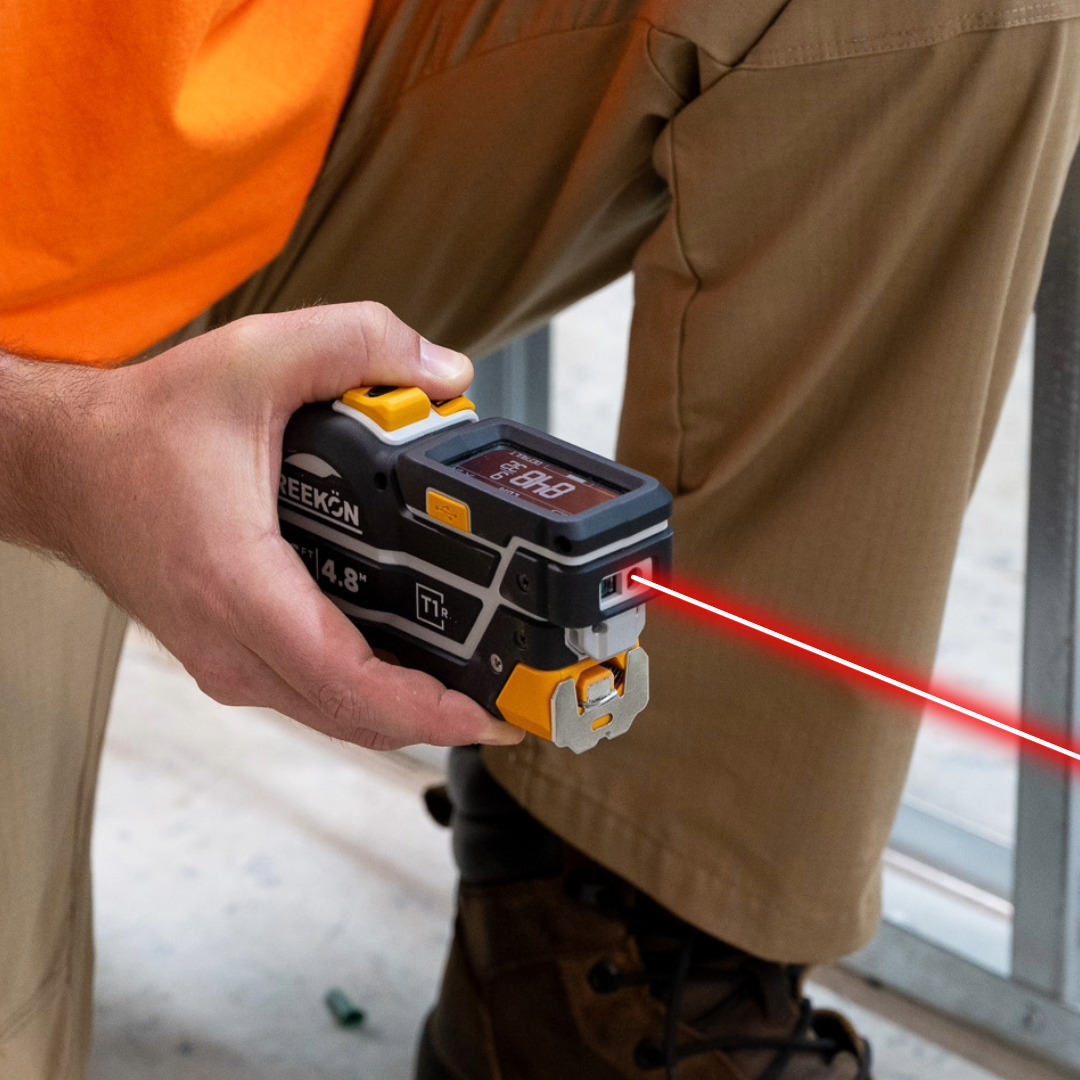
A commercial floor has its door schedule written on the studs in red marker, which works until somebody needs the openings in a drawing rather than on a post. Walking the floor in camera glasses with the T1M Utility reading each rough opening gives BOLDR Max a model of the framing with the openings dimensioned where they stand. The schedule stops living on the lumber that is about to be covered.
Get it off the lumber
- Door schedules get written on the studs
- Those studs are about to be covered
- Glasses record while the tool reads
- BOLDR Max dimensions each rough opening
- The floor comes back as a model
A commercial fit-out is walked in camera glasses, studs marked in red with 3041 and a 3-0 by 7-0 right-hand call-out. The T1M Utility is used at a rough opening, and the clip returns a 3D model of the same framing with an opening tagged at 84 and 54. Ductwork and open stud bays run the length of the floor behind.
proven favorites
Best Selling Tools
SHOP ALL
BOLDR PRO SOFTWARE
Practical Tools For Every Part Of The Job
Capture measurements with REEKON tools, then use them where the work happens.
100,000+ Customers
Get Started Today
Get more done and reduce errors immediately with REEKON digital measuring tools. Try today risk-free for 30 days and see for yourself.
Reduce Costly Errors
Standardize Workflows
Enter Into Any Software
SHOP NOW