
What do Layout Guide, Live View and Groups do on the T1?
- Layout
- Measurement Lists
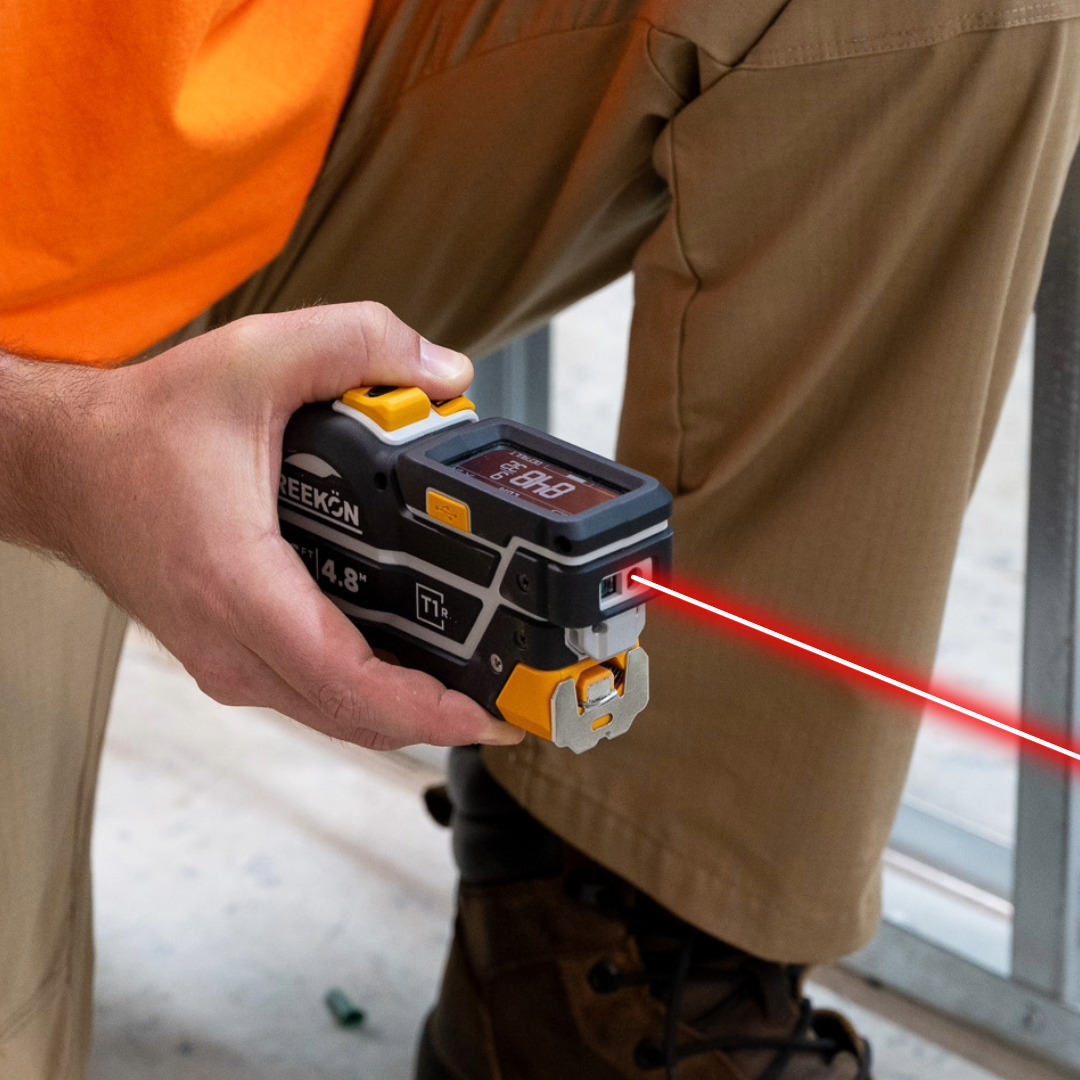
A tape that gains features after you buy it is a different proposition from one finished at the factory. This T1 Tomahawk firmware release adds three. Layout Guide fires the laser at a set dimension and at every multiple of it, so stud, joist and hanger spacing gets marked without counting graduations. Live View mirrors the current reading to a phone or tablet over the ROCK app. Groups collapses saved measurements into named lists on the e-paper screen and in the app together.
What each feature is for
- T1 Layout Guide fires the laser at a spacing
- Repeat multiples marked without counting
- Live View mirrors the T1 reading to a phone
- Groups collapse saved readings into lists
- Arrives by firmware on tools in service
The video walks the three features in order: the laser turning on at repeat spacings across a floor, the reading appearing on a tablet away from the tool, and the on-screen list collapsing into groups. All three arrive on tools already in service, which is the part worth noticing. The tool got better without being replaced.
proven favorites
Best Selling Tools
SHOP ALL
BOLDR PRO SOFTWARE
Practical Tools For Every Part Of The Job
Capture measurements with REEKON tools, then use them where the work happens.
100,000+ Customers
Get Started Today
Get more done and reduce errors immediately with REEKON digital measuring tools. Try today risk-free for 30 days and see for yourself.
Reduce Costly Errors
Standardize Workflows
Enter Into Any Software
SHOP NOW