
Building a fill-in-the-blank form for repeat measurements
- Data Entry
- Measurement Lists
- Windows
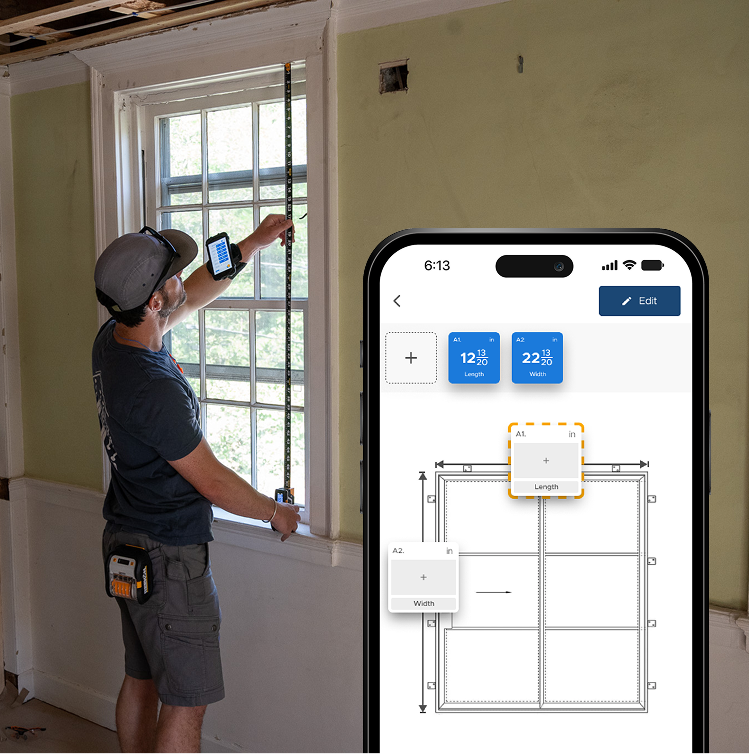
Crews that measure the same unit all week are filling in the same fields every time, and the only thing that varies is the numbers. A template names each blank in advance and advances as you save on the T1M Utility, so every unit arrives complete and in the same order. Nobody labels a pile of readings afterwards or finds a missing field back at the office.
Why a template beats a blank list
- The fields never change, only the numbers
- Blanks named before you start
- T1M advances as each one is saved
- Every unit arrives in the same order
- No missing field found back at the office
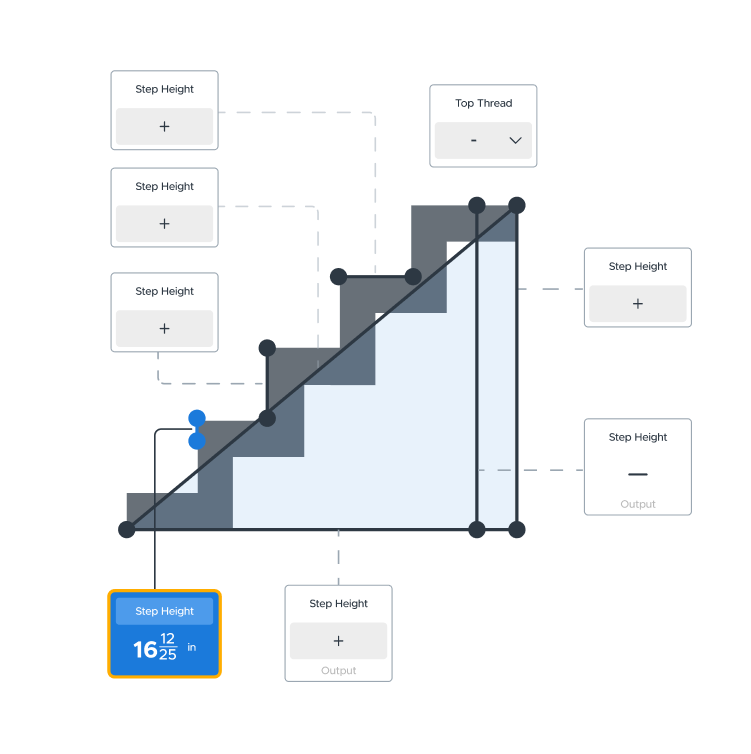
If you measure the same kind of thing all week, the fields never change, only the numbers. A template names each blank in advance, highlights the one you are on, and advances as you save, so the set arrives complete and in the same order every time rather than as a pile you have to label afterwards.
proven favorites
Best Selling Tools
SHOP ALL
BOLDR PRO SOFTWARE
Practical Tools For Every Part Of The Job
Capture measurements with REEKON tools, then use them where the work happens.


100,000+ Customers
Get Started Today
Get more done and reduce errors immediately with REEKON digital measuring tools. Try today risk-free for 30 days and see for yourself.
Reduce Costly Errors
Standardize Workflows
Enter Into Any Software
SHOP NOW