
Can you turn off the auto-lock on a digital tape measure?
- Layout
- One-Handed Use
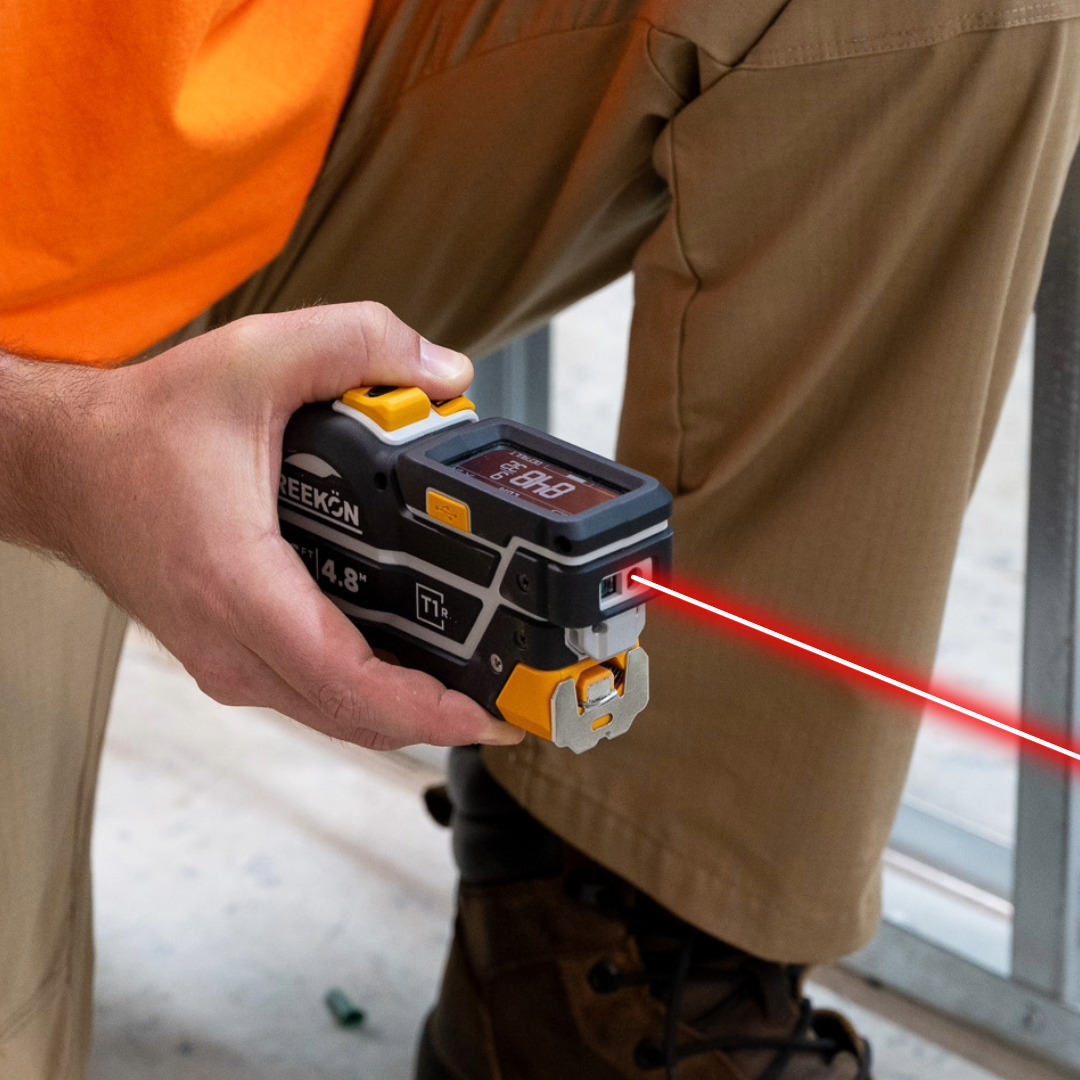
An auto-locking blade is the right default when you are holding a dimension one-handed on a ladder, and the wrong one when you want the tape to snap back between forty short pulls. The T1 Tomahawk gives you both. The latch on top disables the auto-lock, and with red showing it behaves like an ordinary spring-return tape; slide it back and the blade stays where you put it until you press to release. Same tool, two habits, and the saved reading works either way.
What the latch on top does
- Latch on top disables the auto-lock
- Red showing means spring return
- T1 blade stays put with the lock on
- Switch as the work changes
- T1 saves readings in either mode
The video answers a question the company kept getting about the black button with the lock icon on top of the T1. Normally the blade stays where you pull it and only retracts when the button is pressed. Sliding the latch forward exposes red and disables the auto-lock, so letting go of the blade sends it straight back in. Sliding it back restores the lock.
proven favorites
Best Selling Tools
SHOP ALL
BOLDR PRO SOFTWARE
Practical Tools For Every Part Of The Job
Capture measurements with REEKON tools, then use them where the work happens.
100,000+ Customers
Get Started Today
Get more done and reduce errors immediately with REEKON digital measuring tools. Try today risk-free for 30 days and see for yourself.
Reduce Costly Errors
Standardize Workflows
Enter Into Any Software
SHOP NOW