
How do you put measurements onto a photo of the opening?
- Glazing
- Photo Documentation
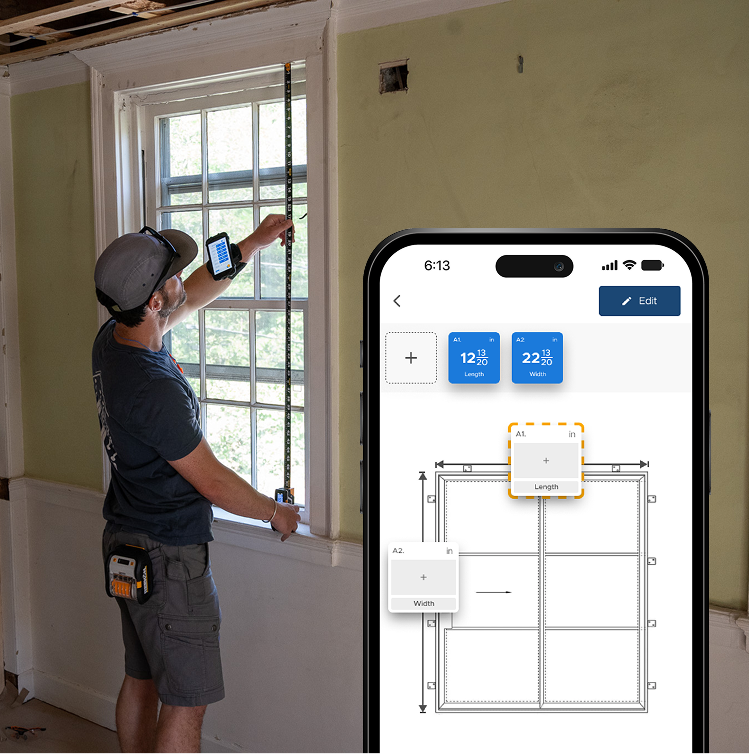
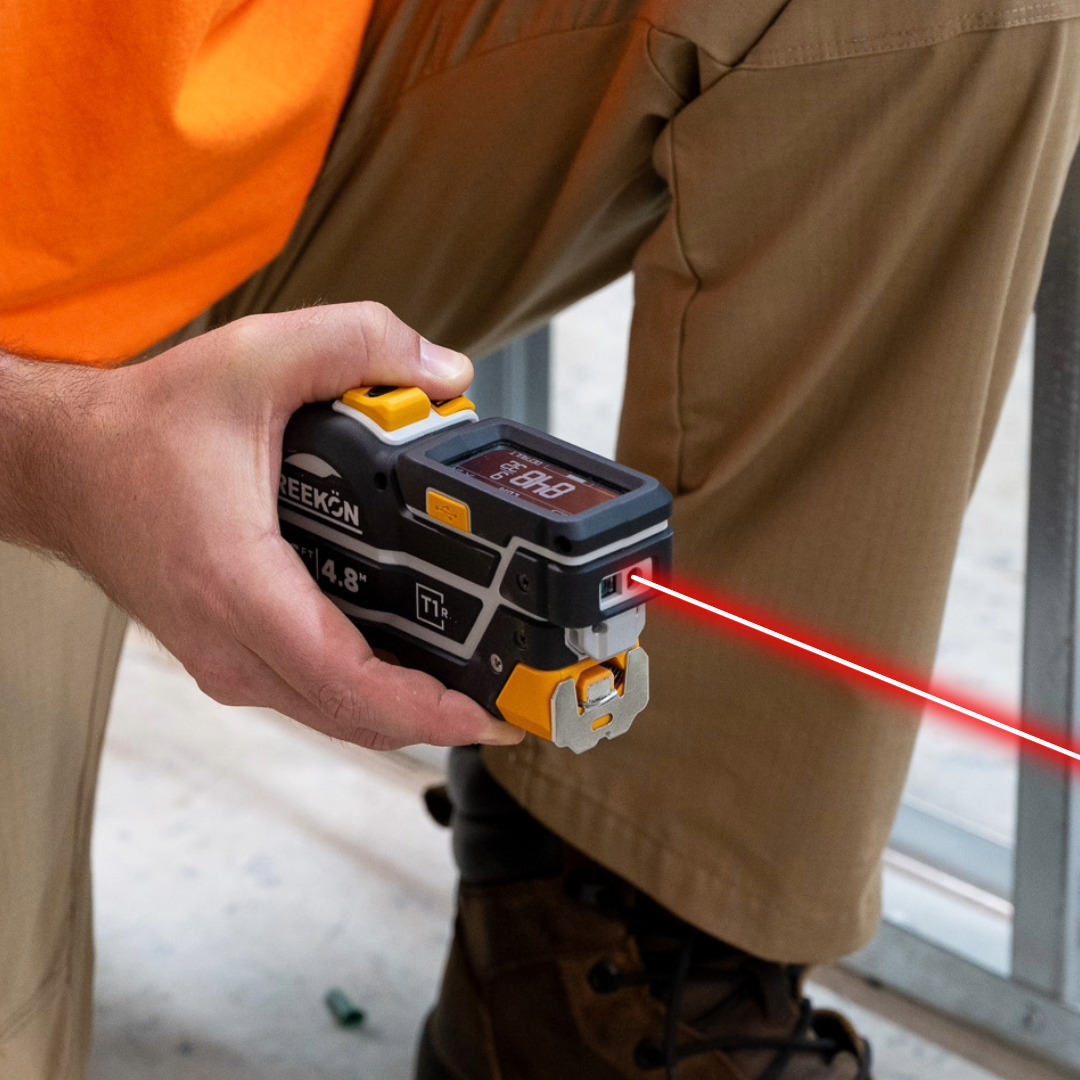
A fabricator receiving a list of dimensions has to trust that whoever wrote them remembered which opening was which. Dropping each T1M Utility reading onto the photo keeps the number and its context in one artifact, so what gets sent is a picture of the actual opening with its actual sizes on it. Nothing has to be cross-referenced against a floor plan.
Why the number needs the picture
- Each reading placed onto the photo
- Number and opening stay in one artifact
- T1M captures both in the same pass
- Nothing cross-referenced to a plan
- The fabricator sees what you saw
Photograph it, then drop the numbers on top. A dimension written in a list tells you nothing about which opening it belongs to once you are back at the desk. Placing each reading over the photo keeps the number and the context together, which is what the fabricator actually needs to see.
proven favorites
Best Selling Tools
SHOP ALL
BOLDR PRO SOFTWARE
Practical Tools For Every Part Of The Job
Capture measurements with REEKON tools, then use them where the work happens.
100,000+ Customers
Get Started Today
Get more done and reduce errors immediately with REEKON digital measuring tools. Try today risk-free for 30 days and see for yourself.
Reduce Costly Errors
Standardize Workflows
Enter Into Any Software
SHOP NOW